Billing & Payments
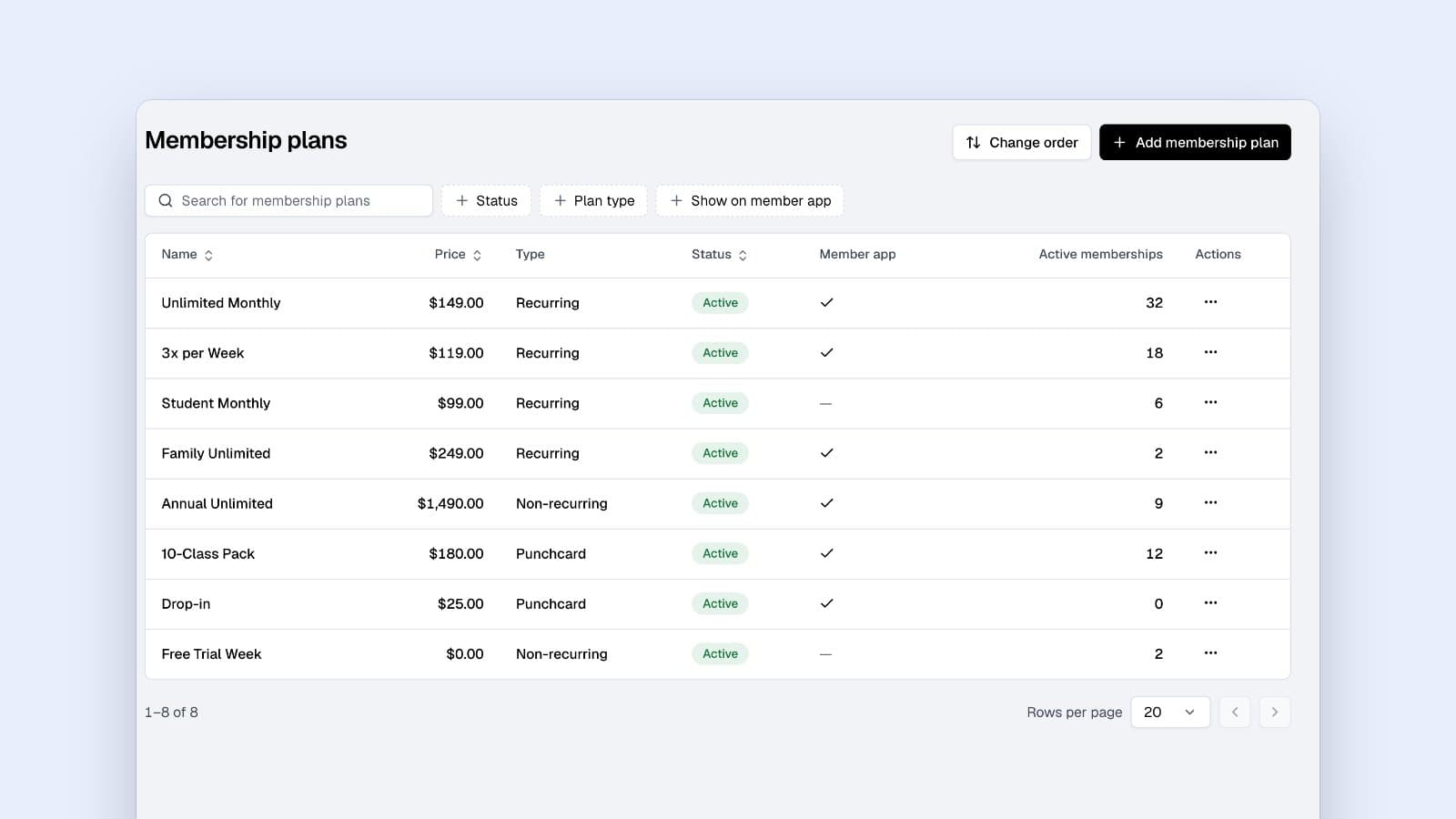
Family Membership Gym Plans: How to Design and Manage Them
Designing effective family membership gym plans can simplify billing and enhance member experience. Learn essential strategies and best practices.
Memberships, classes, check-ins and payments, plus a member app and your own website. Finegym is free gym management software with no member limit.
No card needed. Starter and Growth come with 30 days free.
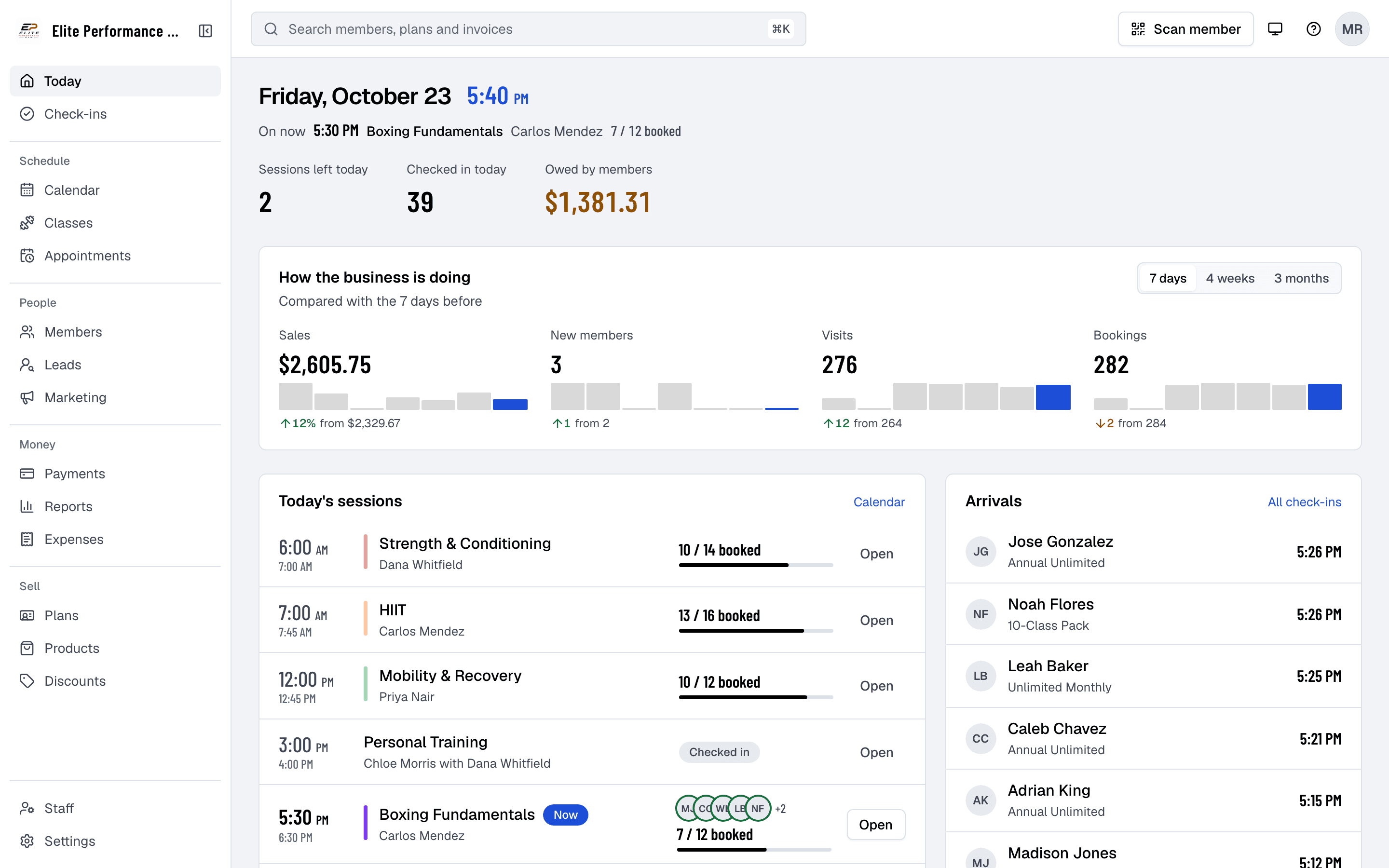
Four moments every gym has, and the screen that handles each one. All of it on the Free plan.
6:00 AM
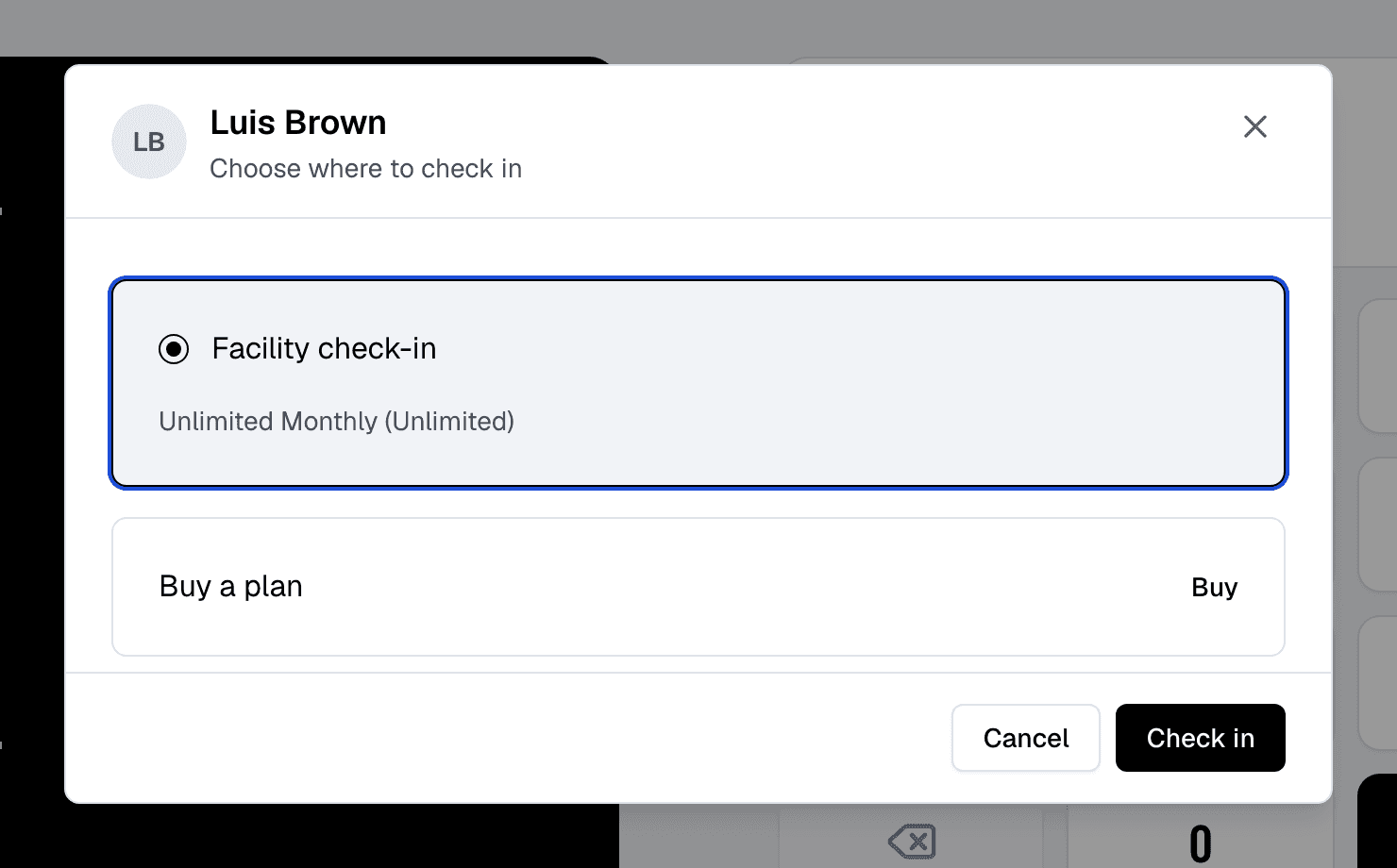
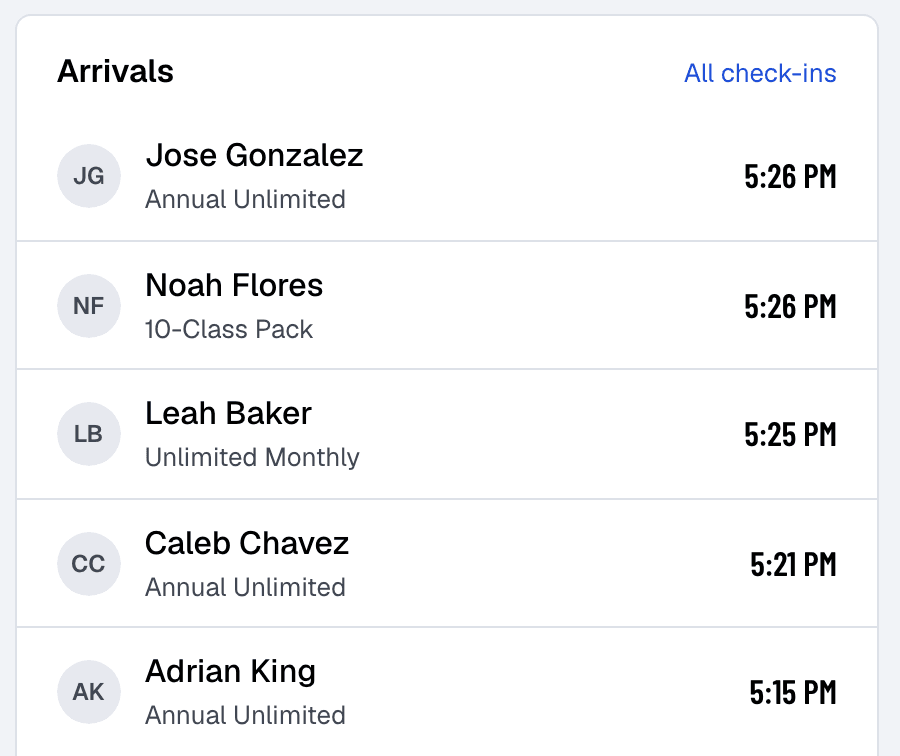
Members scan their QR code or type their PIN at the front desk kiosk. Finegym checks their membership, their balance and the documents they still have to sign, and lets them in. Staff see every arrival as it happens.
9:30 AM
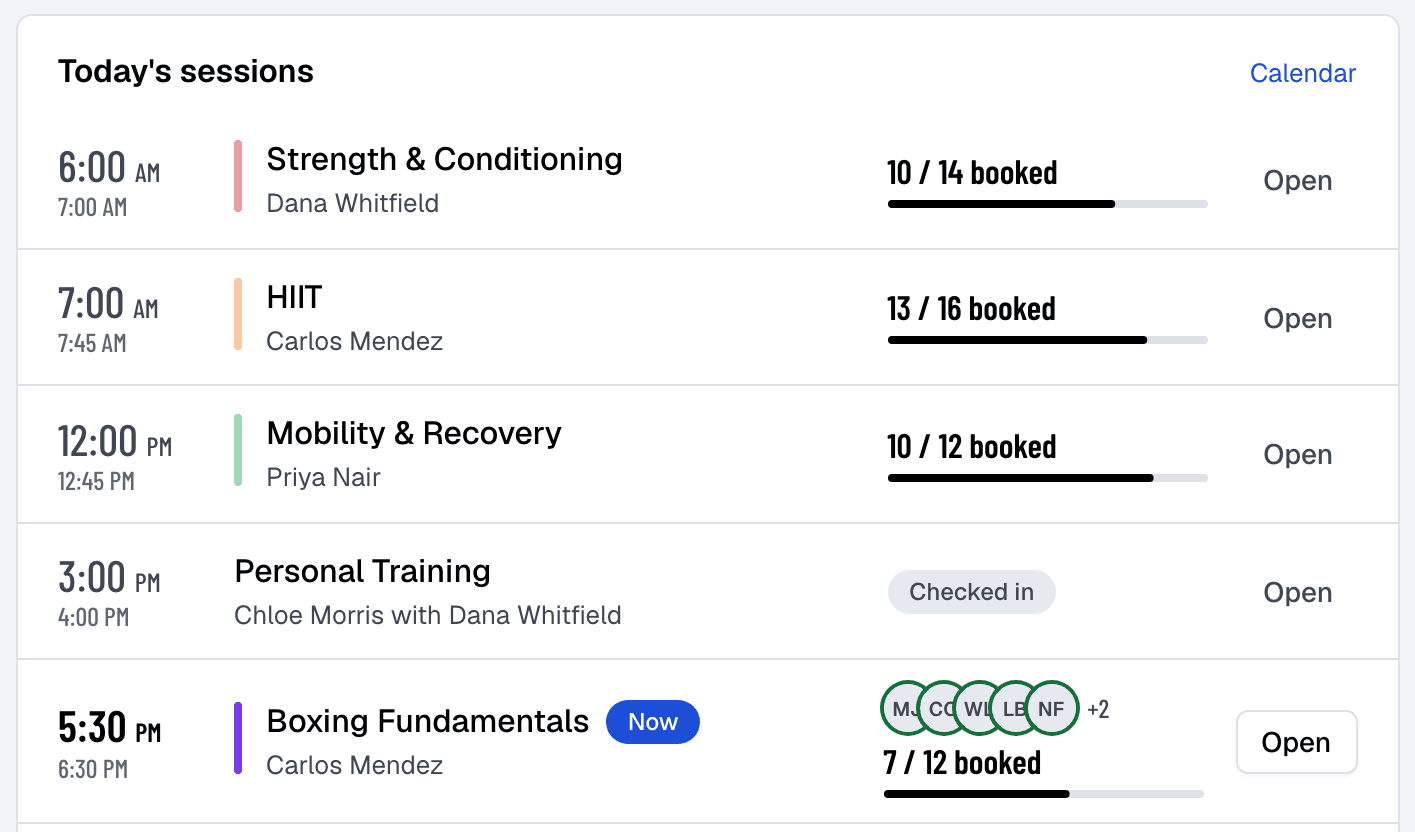
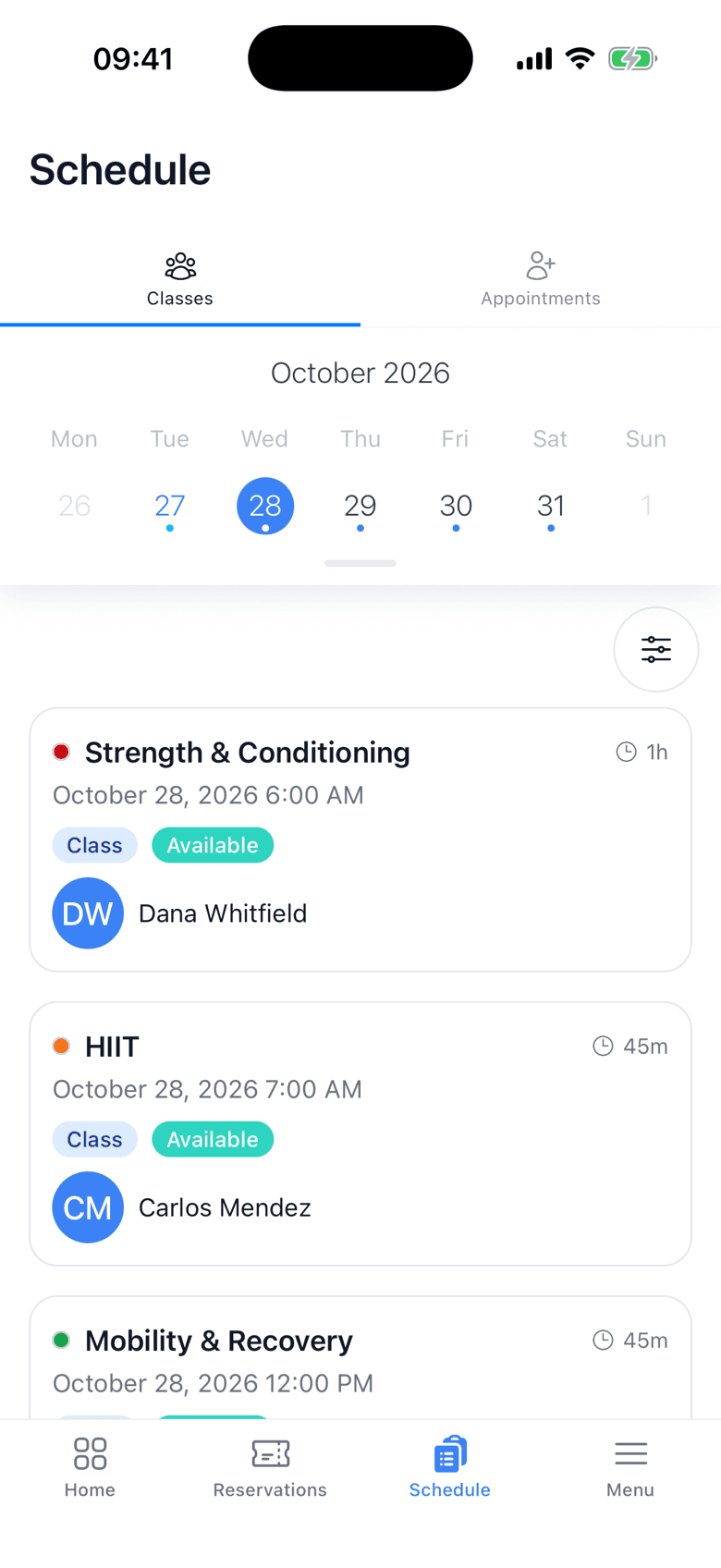
Members book in the app or on your website and pay with a card if they need to. When a class is full the waitlist moves up on its own, and coaches see who is coming before they walk in.
1:00 PM
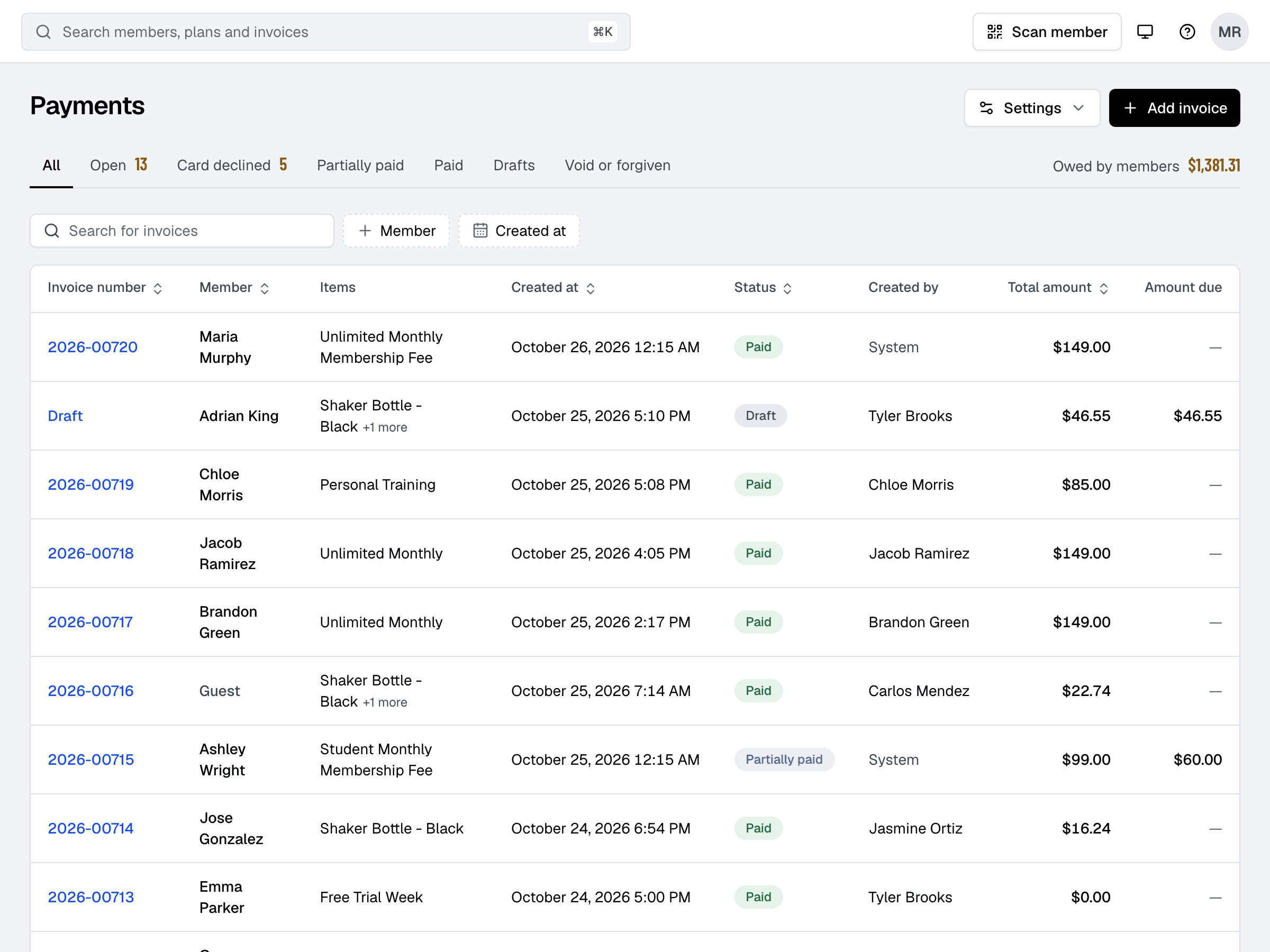
Each membership bills on its own date through Stripe, and every invoice lands in one list: paid, open, declined, partly paid. You see what is owed in one number and chase it with a click.
6:00 PM
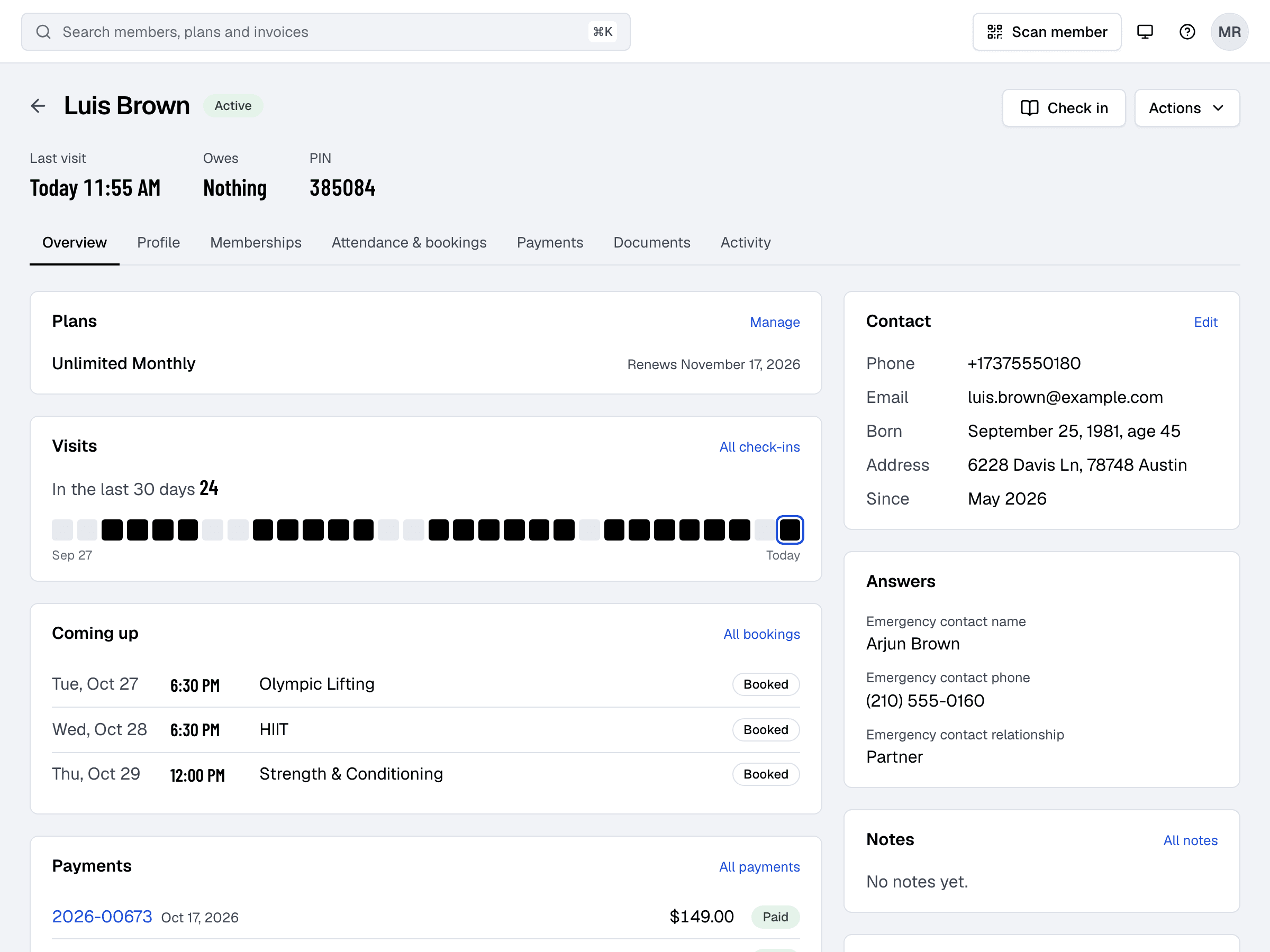
Their plan and when it renews, their visits over the last month, what they have booked, what they owe, the documents they signed and the questions they answered. Nothing to look up anywhere else.
Gyms and studios that moved to Finegym, in their own words.
“I was paying over 300 USD a month for software that did the same thing Finegym does. Every time I needed something, it was another add-on, another fee. Switched and honestly wish I'd done it sooner.”

“That's the best gym software you can get in 2026 guys. Best support ever..”

“Finegym transformed how we manage our fitness studio. The automated billing and class scheduling features save us hours every week, allowing us to focus on what matters most - our members.”

“Great customer service. They listen, they respond, and they fix things fast. That's rare these days.”

“We migrated in a single day. It's easy to use, easy to run, and payments go through Stripe without any issues. Smooth from day one.”

“Everything in one place. Fast, reliable, and no useless add-ons. Just the tools I actually need to run my gym properly.”

The Free plan has no time limit and no member limit. Starter and Growth add what bigger gyms ask for, and start with 30 days free, no card needed.
The Finegym app for iOS and Android, where members book, pay and show their check-in code. And a website for your business with your schedule, plans and online booking, at its own address. Both on every plan.


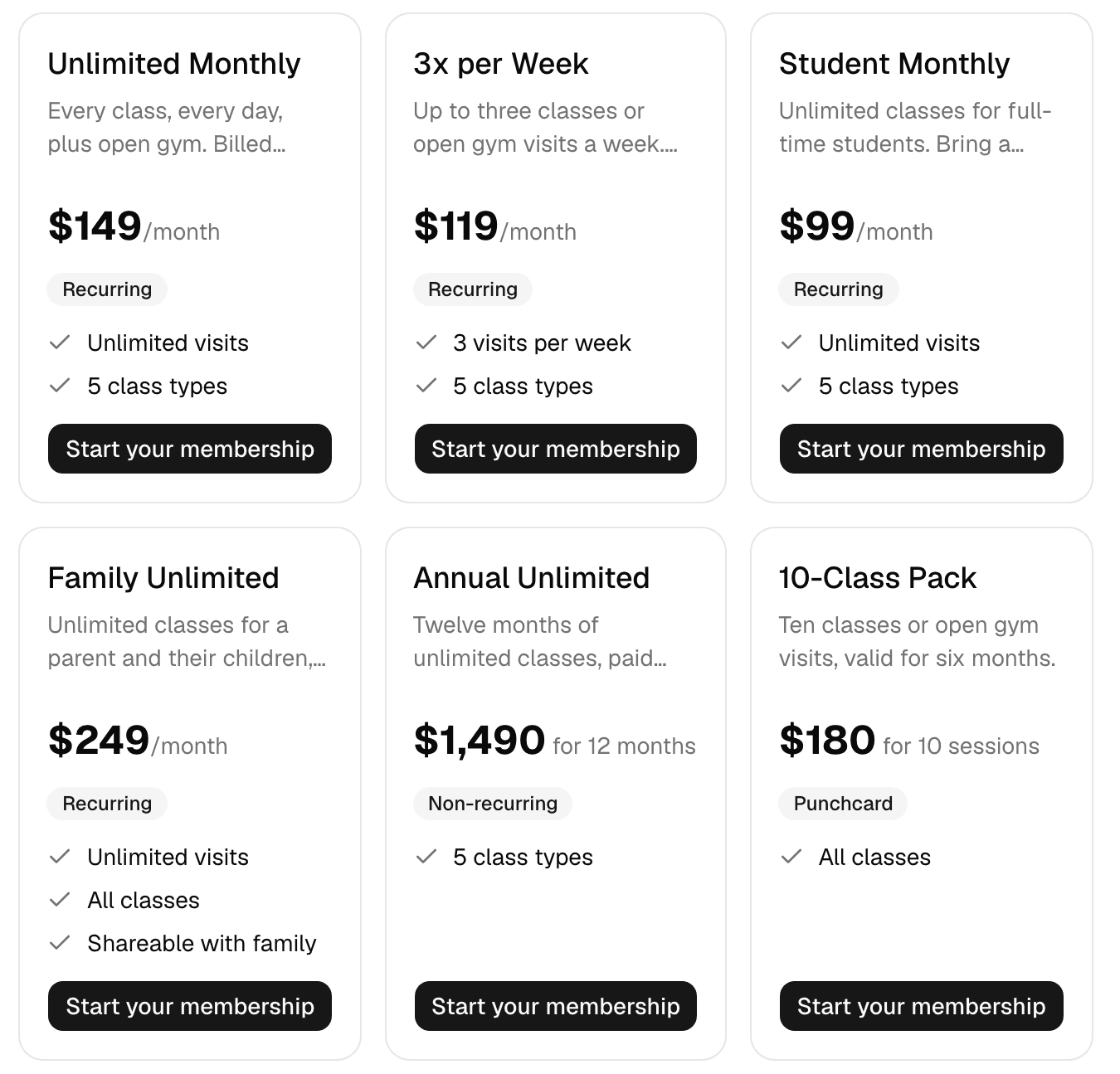
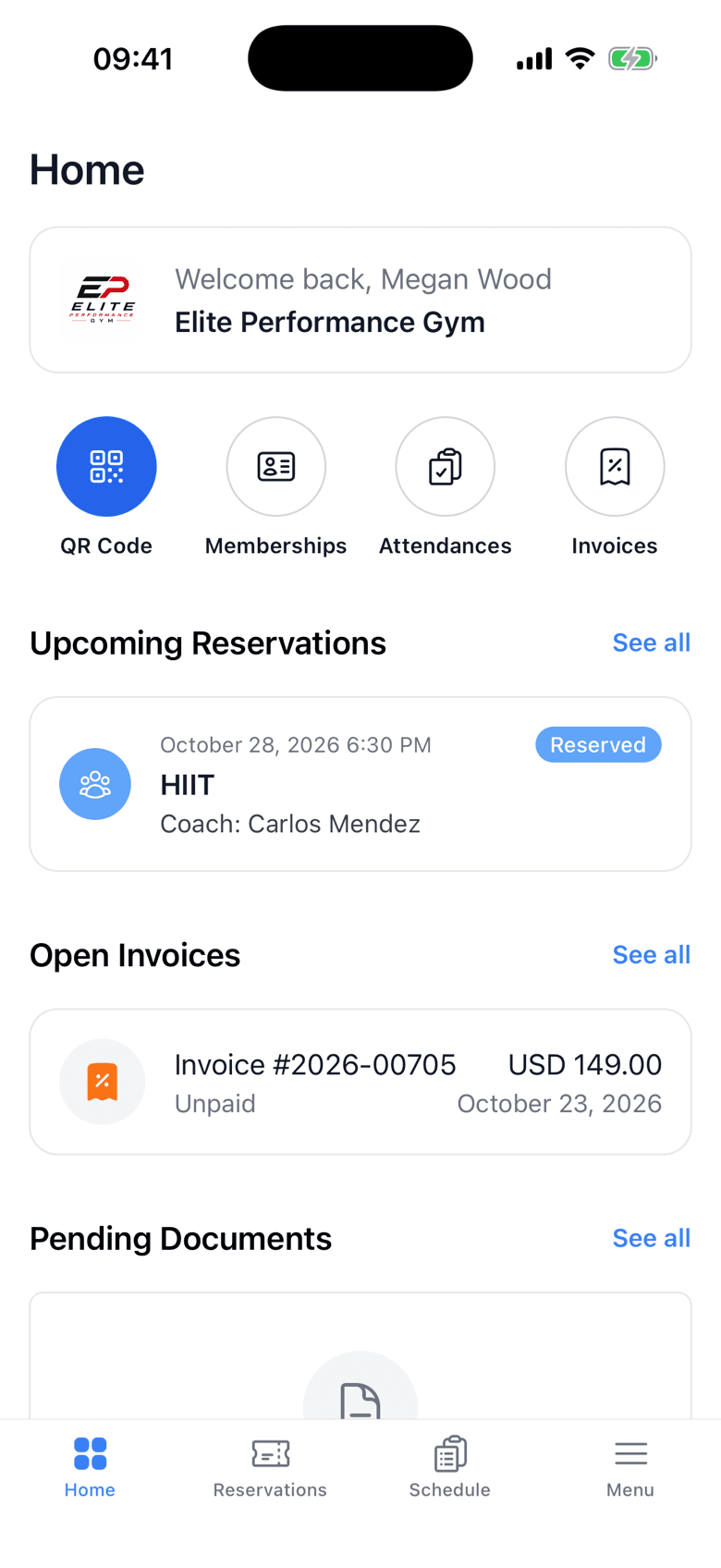
Coming from Mindbody, Pike13, Zen Planner, WellnessLiving or a spreadsheet? Free data migration comes with every plan, and your members come over in four steps.
How switching worksImport members
Upload your old software's export and match its columns.
Assign memberships
Give each member the plan they already pay for, with their next bill date.
Send welcome emails
Each member gets a link to set up their account, with their check-in PIN and QR code.
Members book
They sign in to the app or your website, and Finegym bills each one from their next bill date.
More answers, with steps and pictures, are in the help center. Help Center
Sign up in about two minutes, without a card. Finegym then opens your Today page with a checklist of the first steps: add members, create a membership plan, connect Stripe for card payments, schedule your first class, invite your staff and upload your logo, at your own pace.
Yes. Import your members from your old software's CSV export, give each the plan they already pay for with its next billing date, and send them a welcome email with a link to set up their account. Help moving your data is free on every plan.
Members show the QR code in their app at the front desk, or check themselves in on the front desk kiosk with their QR code or PIN. Staff can also check them in from the dashboard, and every check-in is recorded at once.
memberships, classes, appointments, check-ins, invoices, reports, leads, your website and the member app. No credit card required, no time limits, no setup fees and no transaction fees.
Yes. Members use the free Finegym app for iPhone and Android, or your business's website, to book classes and appointments, buy a plan, pay invoices, sign documents and show their check-in code. On the Growth plan you can also have your own branded app.
Yes. Every check-in and booking is recorded on the member's profile, and the Visits, Bookings and New members reports show how busy you are and how you're growing.
Give each staff member a role: Owner, Manager, Front desk, Coach, or Custom with the permissions you choose. Front desk staff cannot refund payments or see reports, and coaches book and check in only for their own classes and appointments.
Yes. Each location runs as its own business in Finegym, with its own plans, schedule, payments and reports, and each is signed up with its own owner email. Other staff and members can use the same email at each location and pick the business when they sign in.
Members pay by card through Stripe, in the app or on your website. At the desk, staff can charge a saved card, take a new card through Stripe checkout, or record cash and other payments, such as a bank transfer.
Billing & Payments
Designing effective family membership gym plans can simplify billing and enhance member experience. Learn essential strategies and best practices.
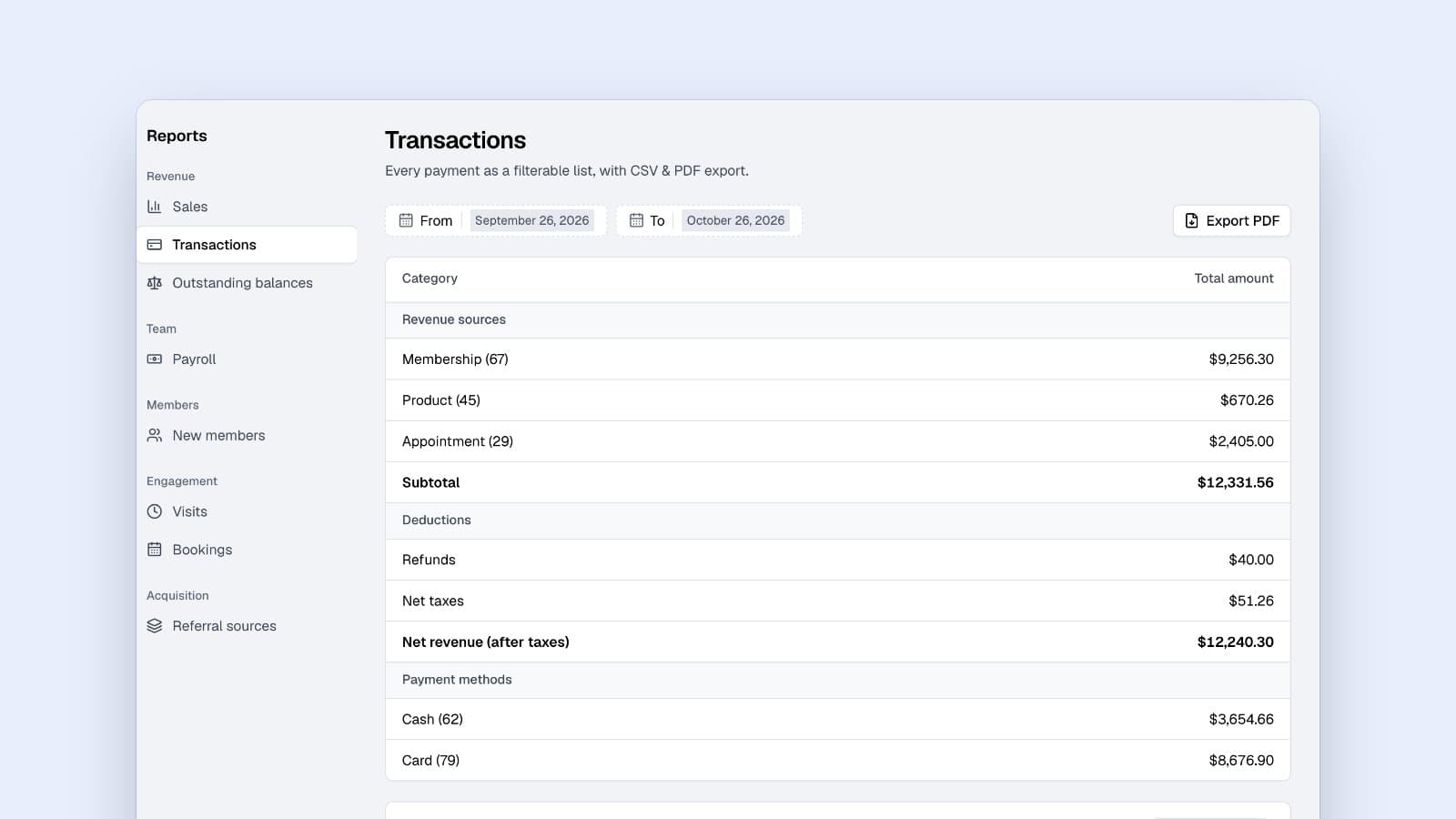
Gym Management
Practical refund workflow for gym owners: a 5 step process in your software to automate proration, log refunds, and reconcile deposits.
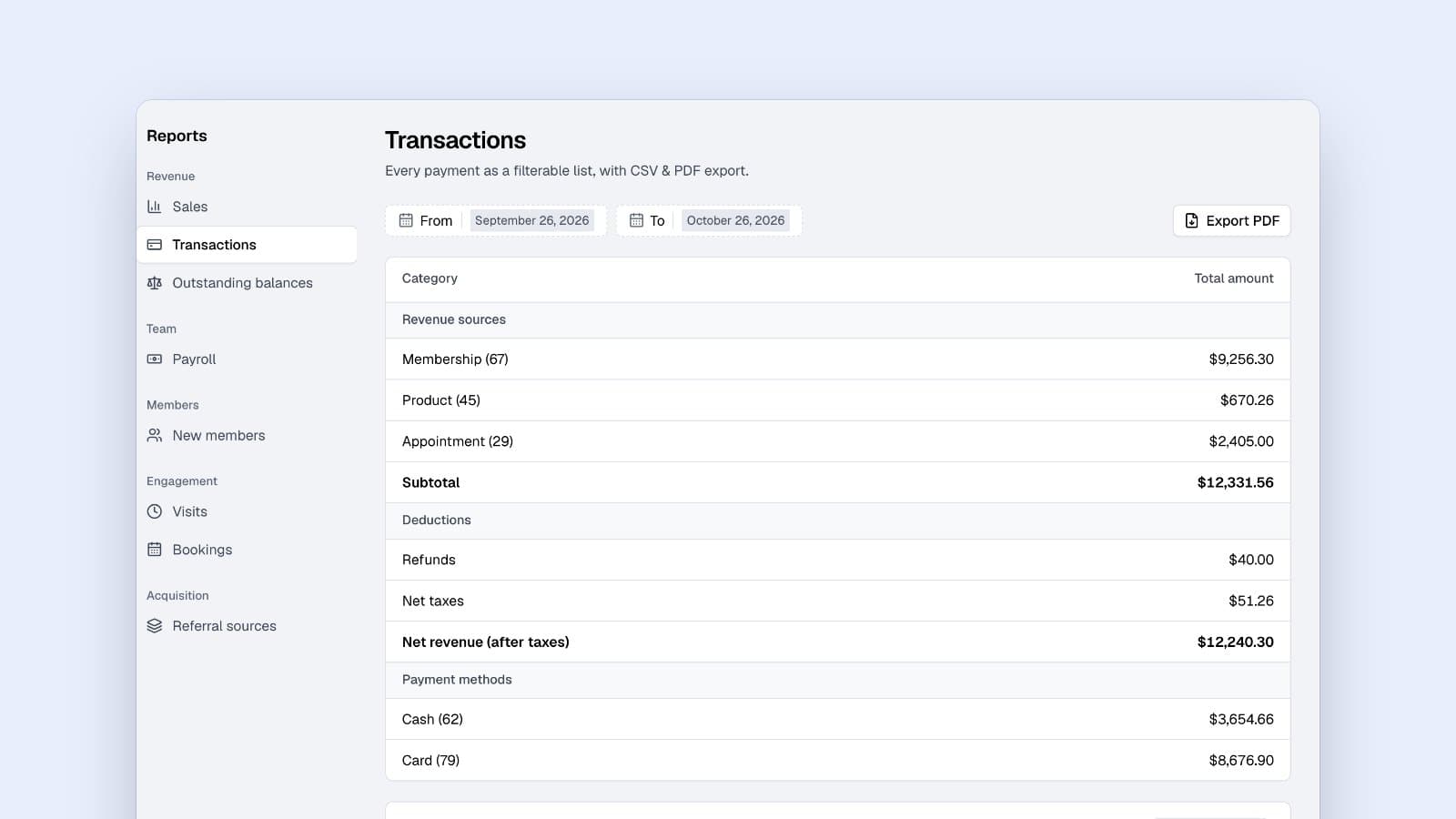
Software & Technology
Discover how sales tax on gym memberships varies by state. Learn the essential regulations every gym owner must understand to stay compliant.
Sign up in about two minutes, no card needed, and add your plans, schedule and members at your own pace. Moving from other software? We help for free.