Switch from another system
Gym data migration tool
Move your members from your old gym software: import a CSV, assign the plans they already pay for, and send welcome emails. Free migration help on every plan.
On every plan, Free included
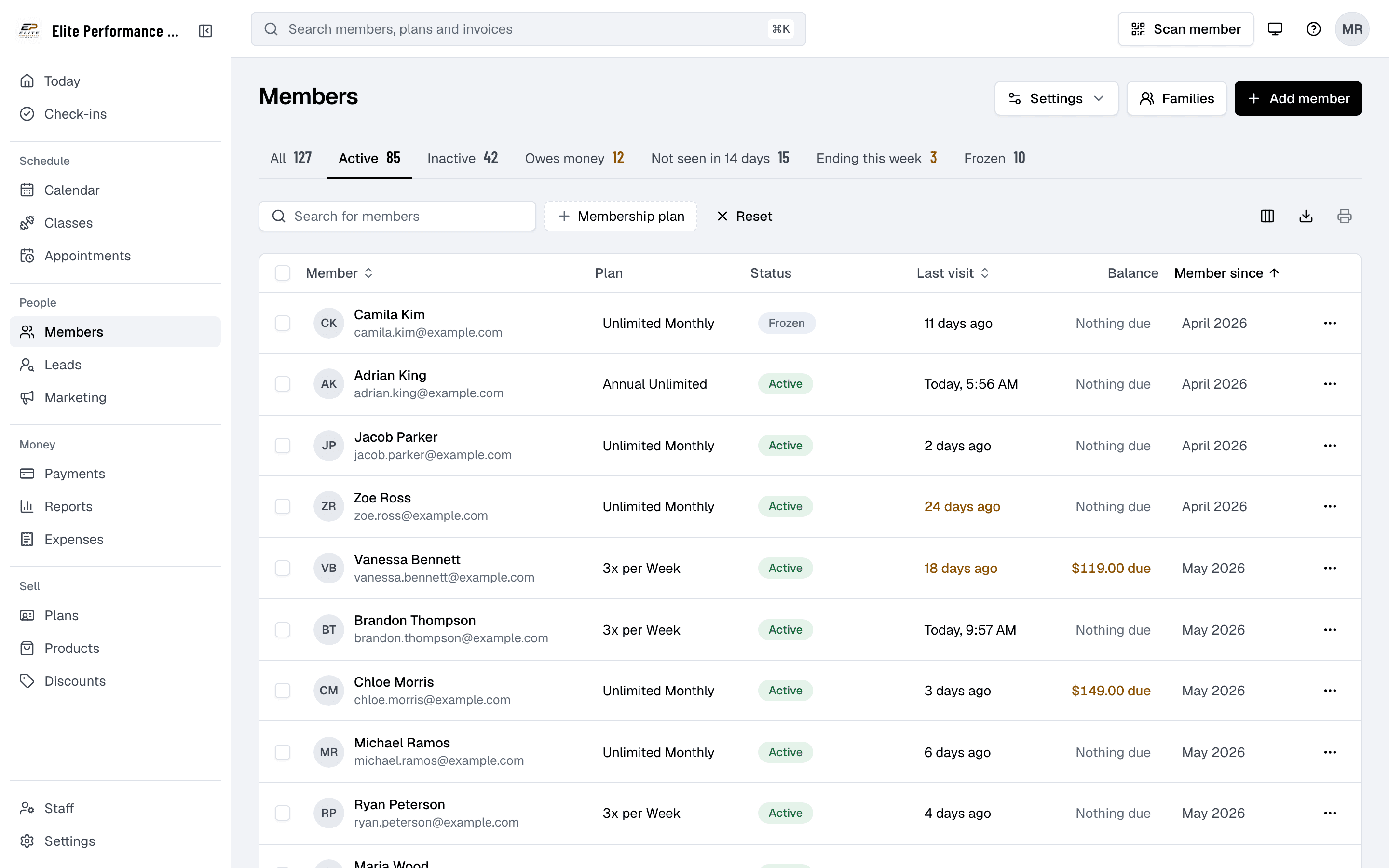
Import & migrate
Import your members yourself
Import & migrate, in Settings, takes your members from your old software’s CSV export to booking in Finegym, in four steps you run at your own pace.
- CSV member import
- Upload your old software’s CSV export as it is (or fill in our template), match its columns, and fix any problem rows in a review grid before importing everyone at once.
- Assign memberships
- Give each imported member the plan they already pay for, as it stands today: the next bill date, the end date or the punches remaining. One member at a time or many at once.
- Welcome emails in bulk
- Send every migrated member a welcome email with a one-time link to set up their account (never a password), their check-in PIN and QR code, and links to the app.
- Progress tracking
- Step cards count how many members are waiting at each step, and Migrated users lists everyone who has been through, with their plan and its dates.
Import members
Upload your old software’s CSV export, match its columns and fix any rows Finegym can’t read.
Assign memberships
Give each member the plan they already pay for, as it stands today.
Send welcome emails
Each member gets a link to set up their account, with their check-in PIN and QR code.
Migrated users
Everyone who has been through, with their plan and its dates.
Welcome emails
Members set up their own accounts
Streamline the onboarding process with our self-migration feature. Send your newly imported members welcome emails with a link to set up their account, and ensure they have everything they need to start engaging with your gym from day one.
- A setup link, never a password
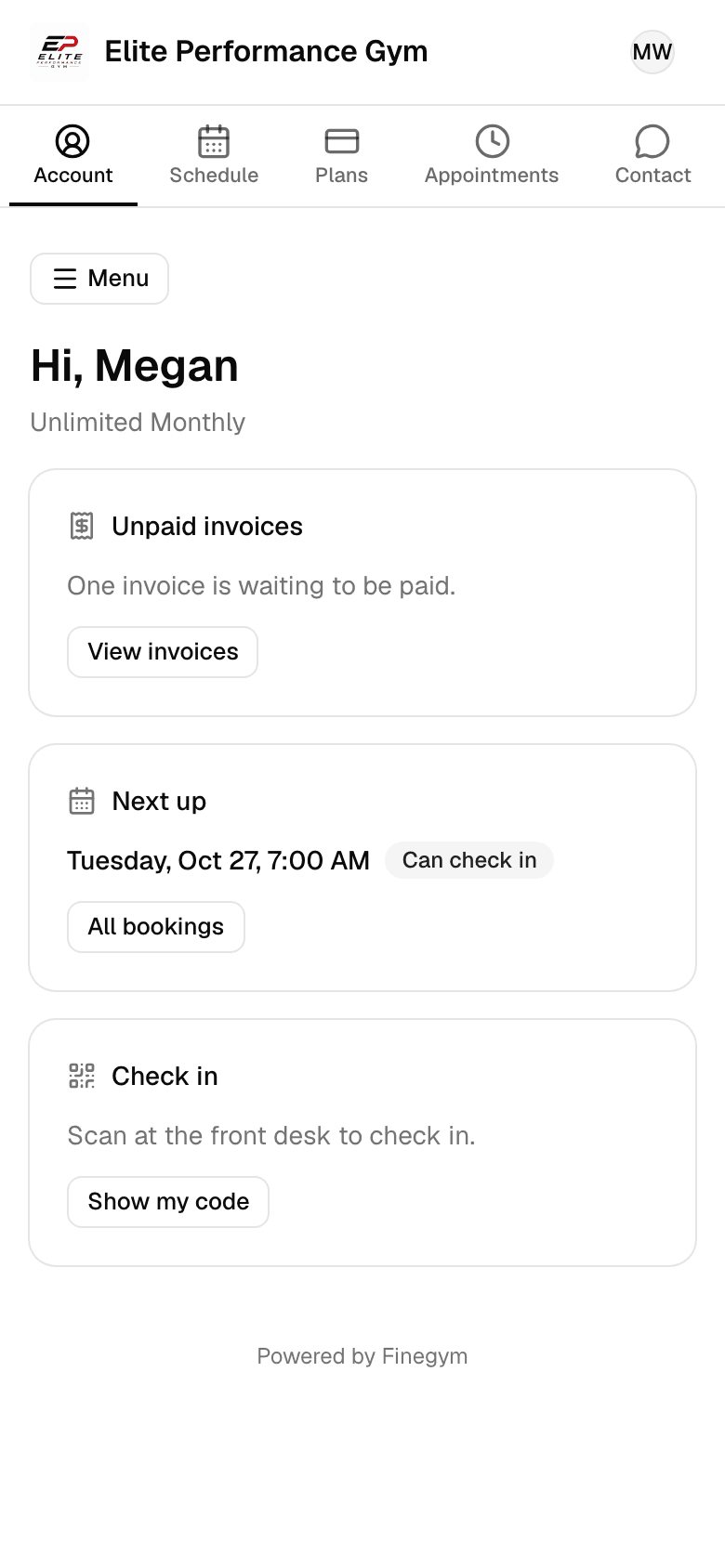
- Each migrated member gets a welcome email with a “Set up your account” link, valid for 7 days, to choose their own password, plus their check-in PIN and QR code.
- Ready to book
- Once members set their password, they can start booking classes, managing memberships, and making payments in the app or on your website.
- Send when you’re ready
- Send welcome emails to selected members or to everyone at once, when you’re ready for them to start booking in Finegym. They go out in the background.
Progress
See where everyone is
Monitor the status of your gym’s self-migration process as you go. See how many members are waiting for a plan or a welcome email, and everyone who has been through.
- Step counts
- Step cards at the top count how many members are waiting at each step: memberships to assign and welcome emails to send.
- Error detection
- Identify any issues during migration, such as missing data or formatting errors, with clear error messages and steps to resolve them.
- Assignment status
- Keep track of which memberships have been assigned and follow up on those that require manual adjustments.
- Migrated users
- See everyone who has been through, with their plan and its dates, so you can check that nothing was missed.
Related features
Step-by-step guides
How it works in detail, in the Finegym help center.
Which plan do I need?
Free covers the day-to-day. Starter adds integrations, Growth adds marketing and your own branded app. Starter and Growth start with a 30-day free trial, no card needed.
Compare plans- Membership managementCreate and manage recurring, non-recurring, and punchcard memberships with custom pricing, check-in limits, and validity periods.
- Payments and invoicesProcess payments via Stripe, generate invoices automatically, and track all transactions in one dashboard.
- Member appThe Finegym member app for iPhone and Android: members book classes, view schedules, manage memberships, and check in. Your own branded app on Growth.
- Leads & inquiry formKeep everyone who might join in one list, with where they came from, who follows up and when. Website inquiries arrive by themselves.
Frequently asked questions
More answers, with steps and pictures, are in the help center. Help Center
Import & migrate, in Settings, works in four steps: import members from your old software’s CSV export (match its columns, fix rows in a review grid), assign each member the plan they already pay for, send welcome emails with a one-time setup link, and see everyone on Migrated users.
Yes. Create your plans in Finegym first, then give each imported member the plan they already pay for, one at a time or many at once. Recurring memberships keep their next bill date, so turn off billing in your old system before then.
If any errors are detected during the import, the system will notify you and highlight the issues. You can resolve these errors and continue the migration process without losing progress.
Yes. After assigning memberships, send welcome emails to selected members or to everyone at once. Each member gets a one-time “Set up your account” link, valid for 7 days, to choose their own password (never a password from you), plus their check-in PIN and QR code.
migrated memberships start as cash payments and switch to card once the member saves a card. Past visits and payments aren’t imported either.
Yes, migration help is free on every plan. Email support@finegym.io with the name of your old system and roughly how many members you have, and we’ll help you bring them over.
Open on Finegym tomorrow.
Sign up in about two minutes, no card needed, and add your plans, schedule and members at your own pace. Moving from other software? We help for free.