Payments and invoices
Gym payments and invoicing software
Members pay by card in the app or on your website, staff record cash or charge saved cards, and Finegym invoices every sale automatically. Powered by Stripe.
On every plan, Free included
Invoices
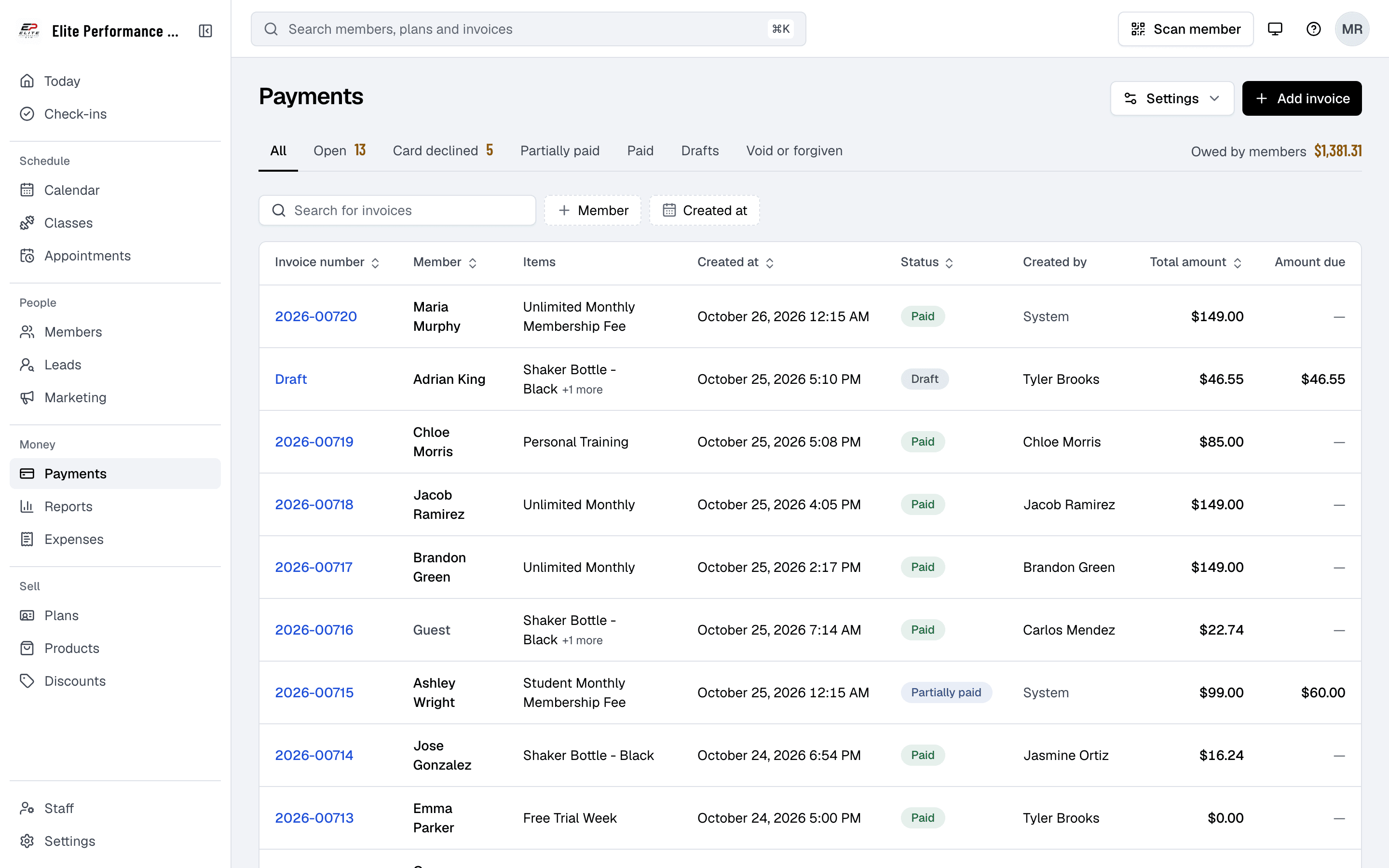
An invoice for every sale
Finegym automatically generates invoices for every transaction, providing both gym owners and members with complete transparency. Members can access their invoice history at any time, while gym owners have a clear overview of all financial activities.
- Automatic invoice generation
- Invoices are automatically generated for every completed payment, ensuring accuracy and transparency.
- View invoice history
- Both gym owners and members can access a detailed history of all invoices directly from the app.
- Downloadable invoices
- Invoices can be easily downloaded or printed for record-keeping purposes.
- Organized transaction records
- Keep track of all payments and invoices in one place for easy management and reconciliation.
Recurring billing
Membership payments, tracked
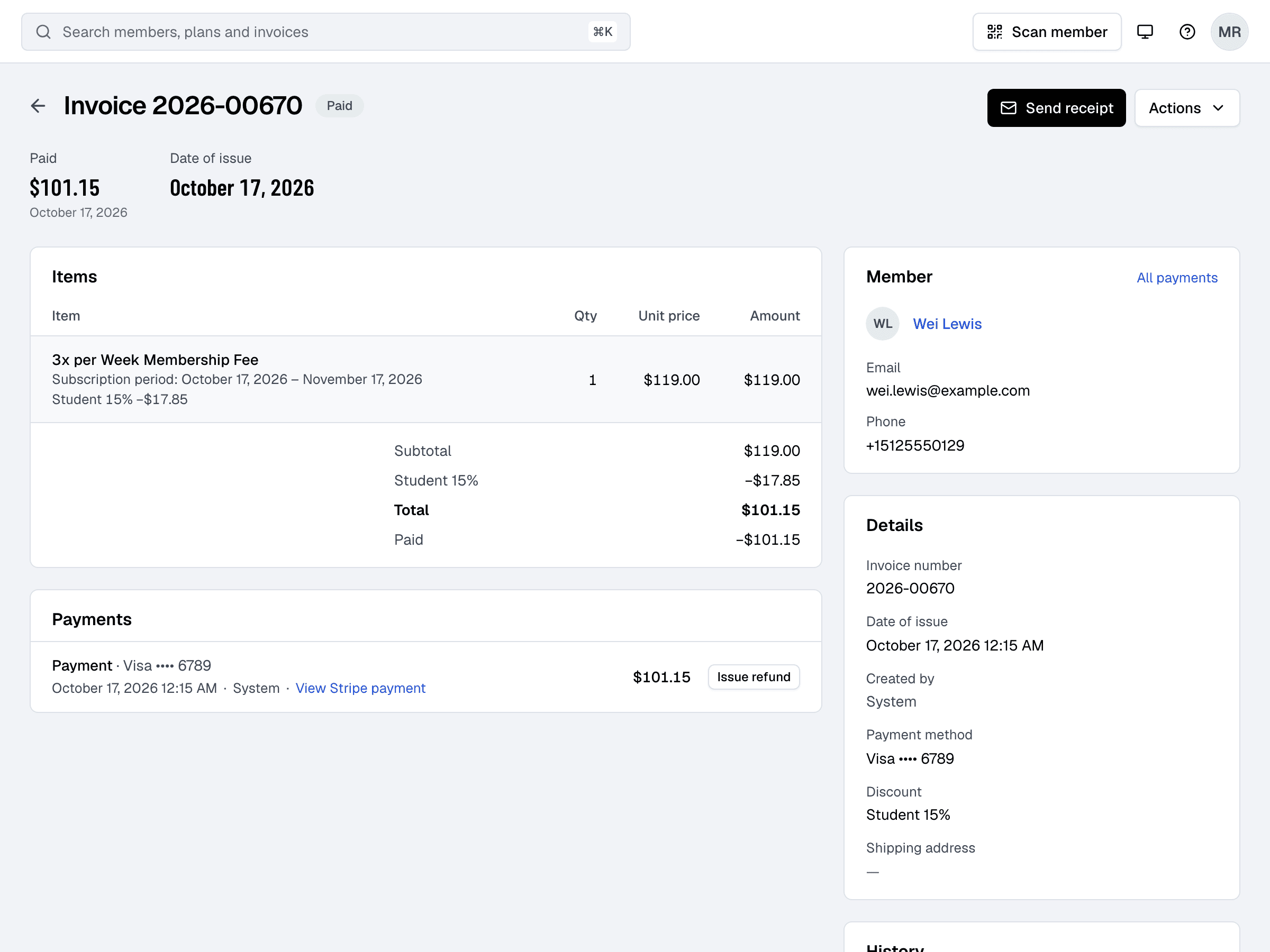
Finegym makes it easy for gym owners to track and manage membership payments. Automatic reminders are sent to members when payments are due, and gym owners can monitor payment statuses to ensure memberships remain active.
- Monitor membership payment status
- Gym owners can track membership dues and payment statuses in real-time.
- Send payment reminders
- Members receive reminders when their membership payment is due, reducing missed payments.
- Real-time payment tracking
- Both members and gym owners can view real-time payment statuses to keep track of outstanding dues.
- Keep memberships active
- Ensure that memberships remain active by staying on top of payment deadlines and reminders.
Front desk
Payments at the desk
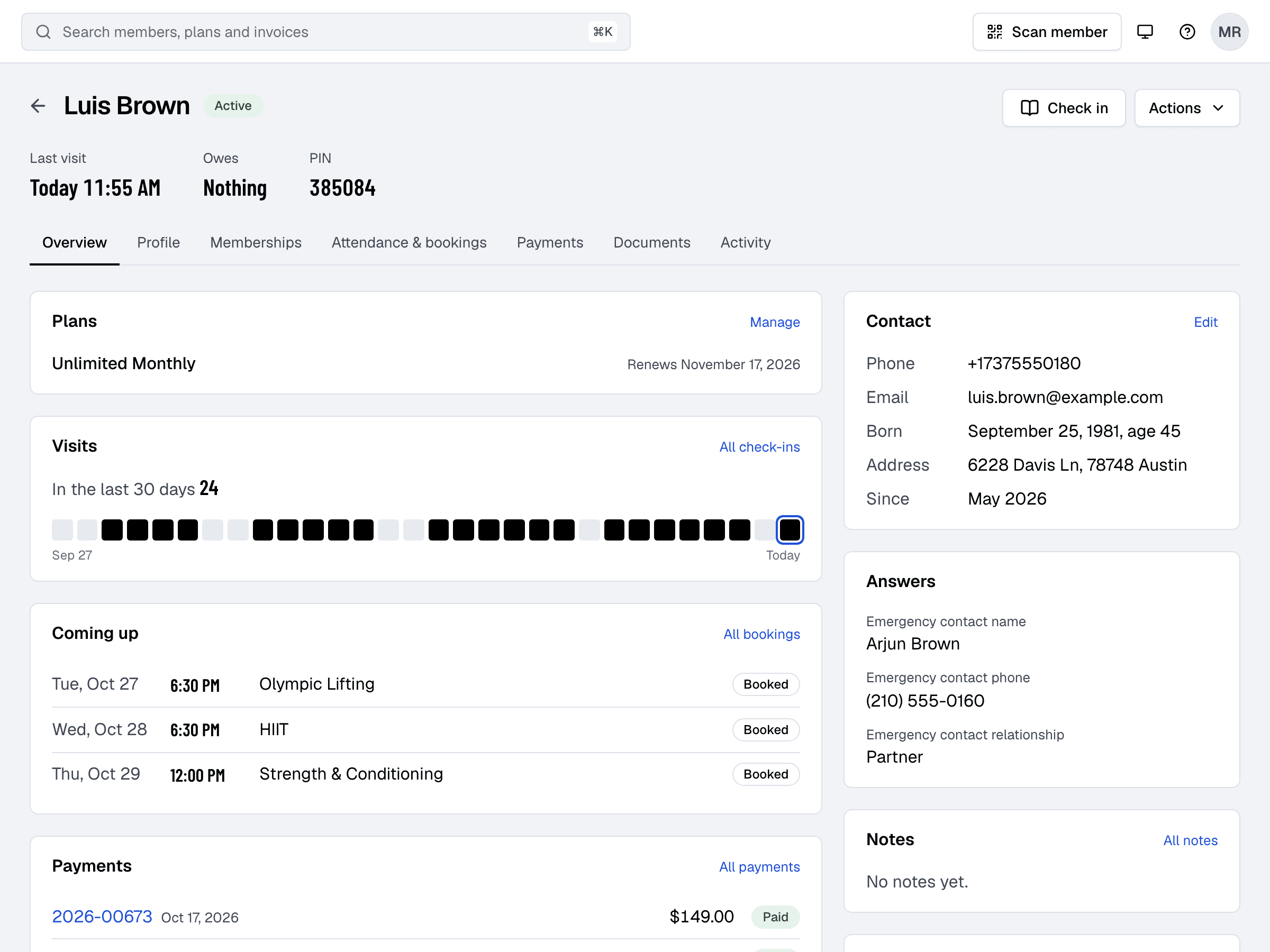
Finegym allows gym staff to manage both cash and card payments for in-person transactions. Staff can easily mark payments as completed, and the system generates invoices for every transaction, whether it's a card payment processed through Stripe or a cash payment made at the front desk.
- Cash payments for in-person transactions
- Staff can easily mark cash payments as completed through the web app.
- Card payments via Stripe
- At the desk, staff can charge a member’s saved card or open Stripe checkout to take a new card, ensuring fast and reliable transactions.
- Automatic invoicing for all payments
- Whether paying with cash or card, an invoice is generated for every transaction, ensuring full transparency.
- Track all in-person transactions
- Keep track of all cash and card payments made in person for clear record-keeping.
Stripe
Members pay online
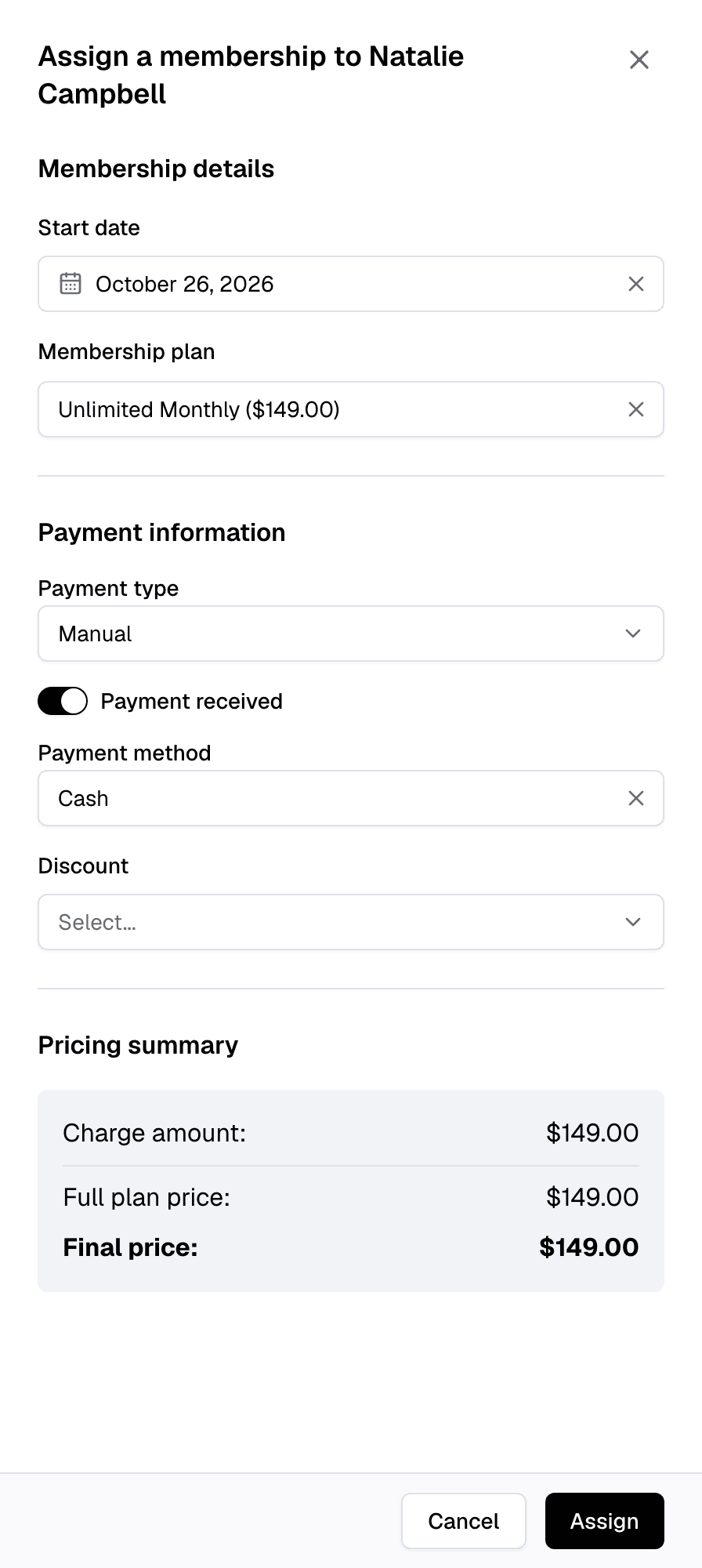
Finegym offers members and gym owners a streamlined payment process that accepts both card payments and saved payment methods. Members can easily pay for memberships, punchcards, and personal training sessions through secure and reliable payment integrations.
- Pay for memberships and sessions
- Members can securely pay for their memberships, punchcards and appointments by card through Stripe, or with a saved card.
- Secure Stripe integration
- Payments are processed through Stripe, ensuring fast and secure transactions for both gym owners and members.
- Saved payment methods
- Members can save their payment methods for quick and convenient future payments.
- Mobile-friendly payments
- Members can make payments directly through the mobile app, providing flexibility and convenience.
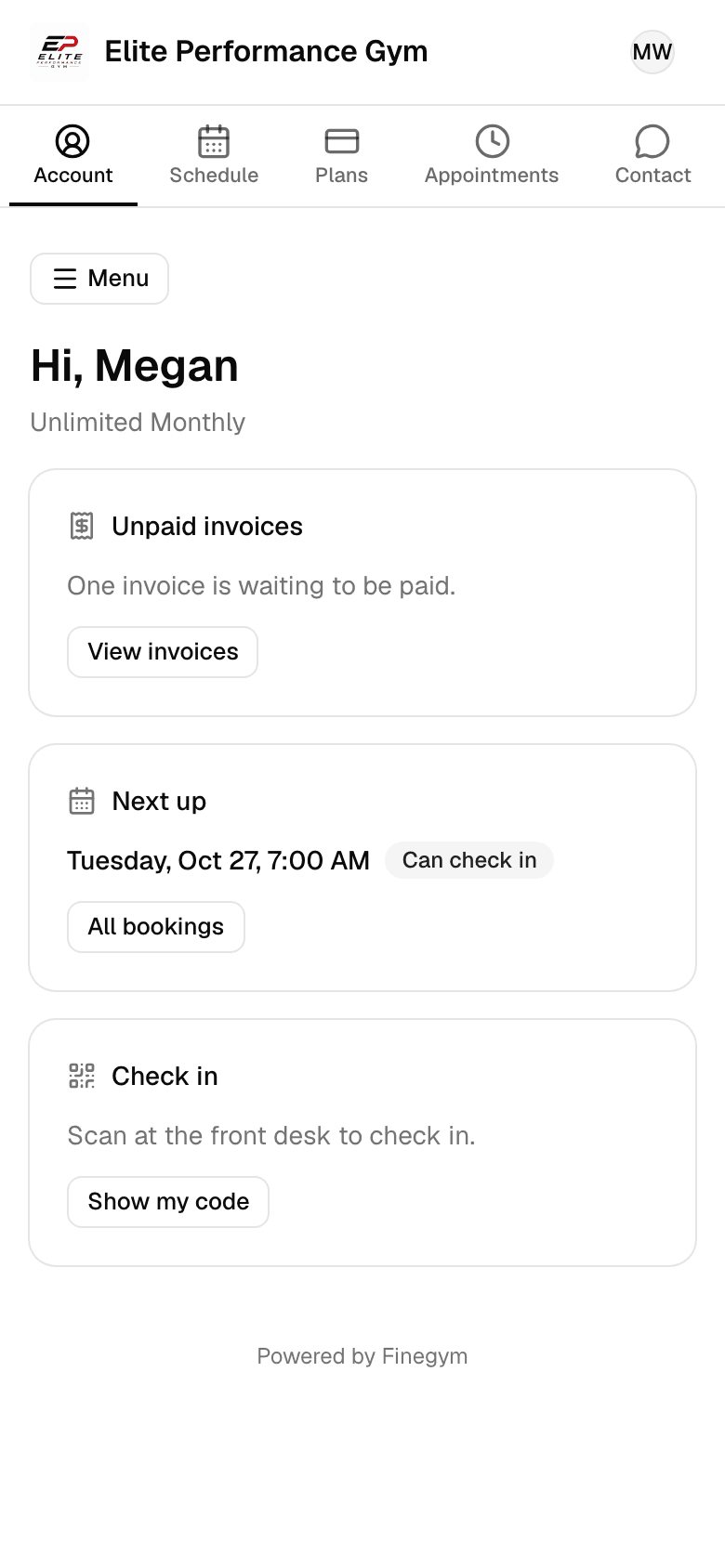
Related features
Step-by-step guides
How it works in detail, in the Finegym help center.
Which plan do I need?
Free covers the day-to-day. Starter adds integrations, Growth adds marketing and your own branded app. Starter and Growth start with a 30-day free trial, no card needed.
Compare plans- Membership managementCreate and manage recurring, non-recurring, and punchcard memberships with custom pricing, check-in limits, and validity periods.
- Reports and analyticsTrack sales, transactions, balances, payroll, new members, visits and bookings, compared with the period before.
- Expenses and payrollRecord expenses, see income against them month by month, and work out each coach’s pay from the classes and appointments they taught.
- IntegrationsKisi, Twilio, Zoom, QuickBooks Online, Wellhub and Zapier on Starter and up, and Google Calendar sync on every plan.
Frequently asked questions
More answers, with steps and pictures, are in the help center. Help Center
Members can pay for their memberships by card in the Finegym mobile app or on your website, through Stripe. At the gym, staff can record cash or another payment method, charge a saved card, or take a new card through Stripe checkout.
Yes, invoices are automatically generated for every payment made, whether it’s online or in-person. Members and gym staff can view, download, or print these invoices for their records.
Yes. Staff can record cash or your own payment methods, such as bank transfers, charge a member’s saved card, or take a new card through Stripe checkout. Finegym doesn’t connect to card readers. These payments are tracked within the system, and invoices are automatically created for each transaction.
Members can view their entire payment history, including membership payments, appointments, and other transactions, directly through the app. Invoices are available for each payment.
Members get an automatic reminder email before each recurring membership payment, and an email with a link to pay if a card payment is declined. With Twilio, these can also go as texts.
Open on Finegym tomorrow.
Sign up in about two minutes, no card needed, and add your plans, schedule and members at your own pace. Moving from other software? We help for free.