Access control and check-ins
Gym check-in and access control software
Members check in with the QR code in their app or a PIN at the kiosk. Finegym checks their membership first, and staff see each arrival on the Today page.
On every plan. Kisi door access on Starter and up.
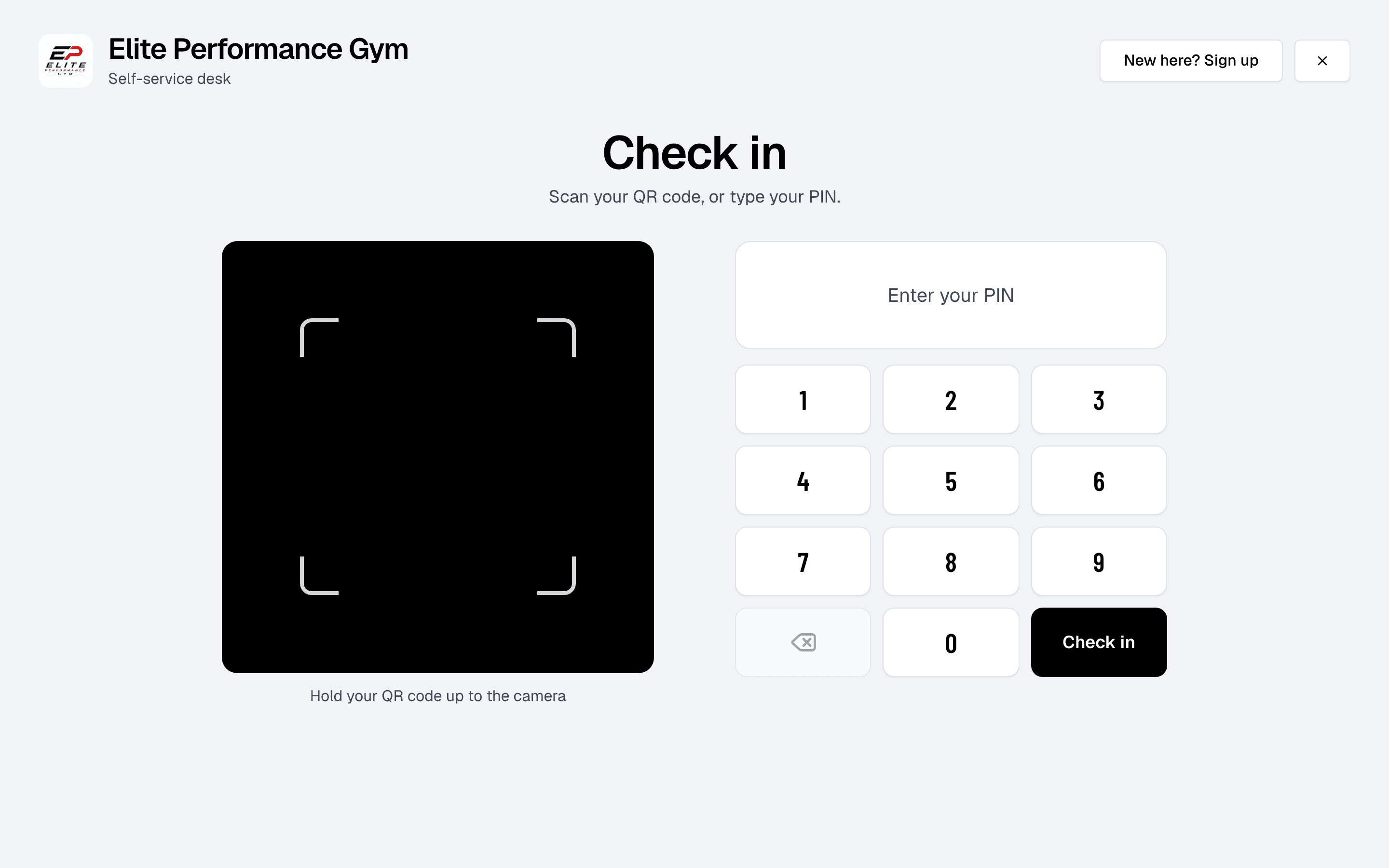
Check-in history
Detailed check-in logs and history
Keep a detailed log of all member check-ins: when, for which class or appointment, on which membership, and who checked them in. The Visits report shows trends in gym usage over time.
- Comprehensive check-in history
- Logs every check-in with the time, the class or appointment, the membership used, and who checked the member in.
- Visit trends
- See visits by day, week or month in the Visits report, and spot members who haven’t been in for a while.
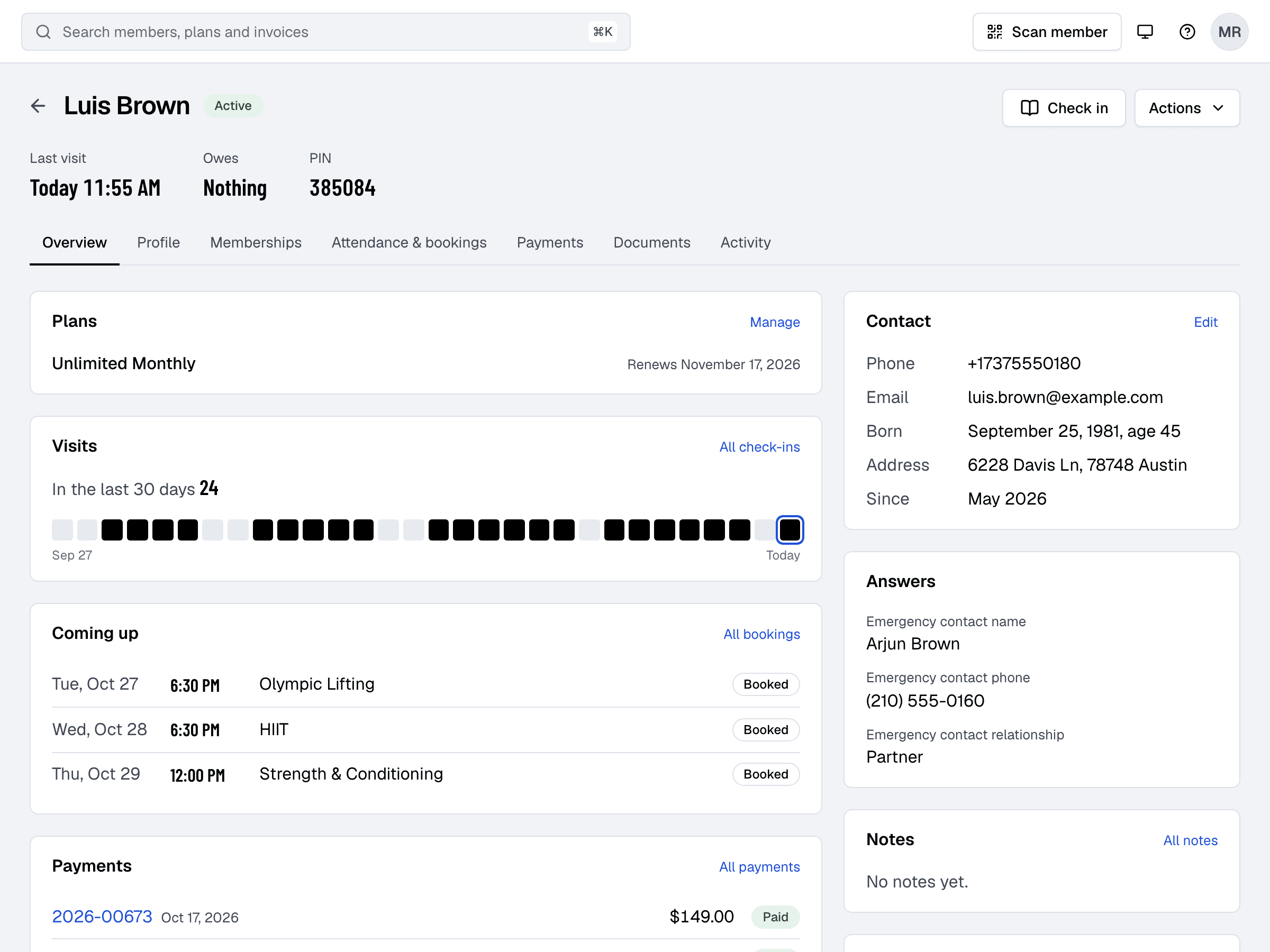
Membership check
Access based on membership status
Finegym ensures that only members with active memberships can check in. The system automatically validates membership status before allowing access, preventing unauthorized entries and keeping your gym secure.
- Real-time membership validation
- Automatically checks membership status before granting access.
- Unauthorized entry prevention
- Blocks access for expired memberships or inactive accounts.
- Custom access settings
- Set access hours, usage limits and allowed classes for each plan, and with Kisi (Starter plan and up) choose which plans open which doors.
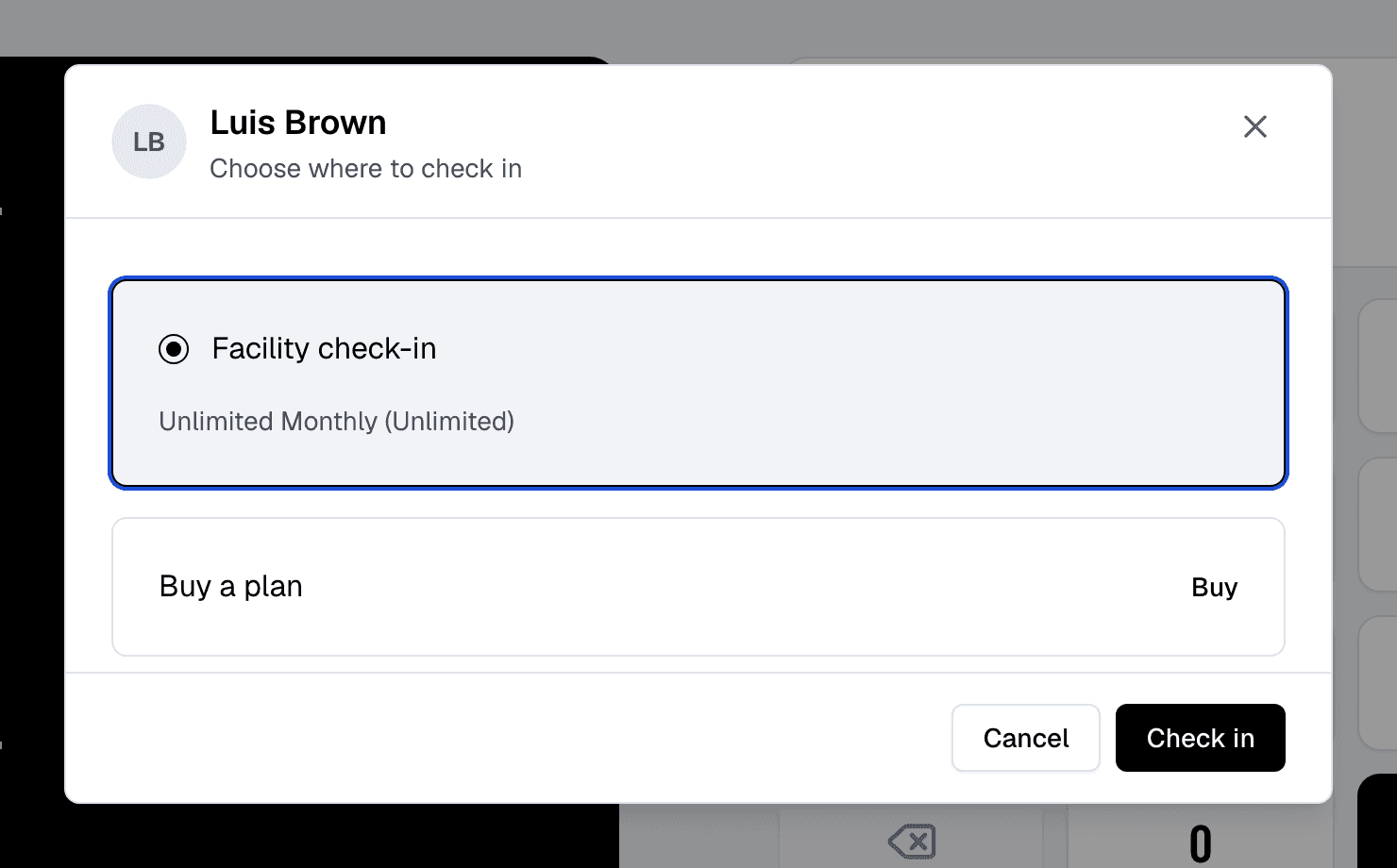
Self check-in
Members check themselves in
At the front desk kiosk, members scan the QR code from their app or type their PIN. Finegym checks their membership and records the visit, with no one at the desk.
- QR code check-ins
- Members show the QR code in their app (or on their member card) at the desk or the kiosk for fast, contactless check-in.
- PIN-based check-ins
- A secure option for members to enter their unique PIN at a front desk station for check-in.
- Self-service check-in stations
- Put a tablet at your door in front desk mode, and members check themselves in.
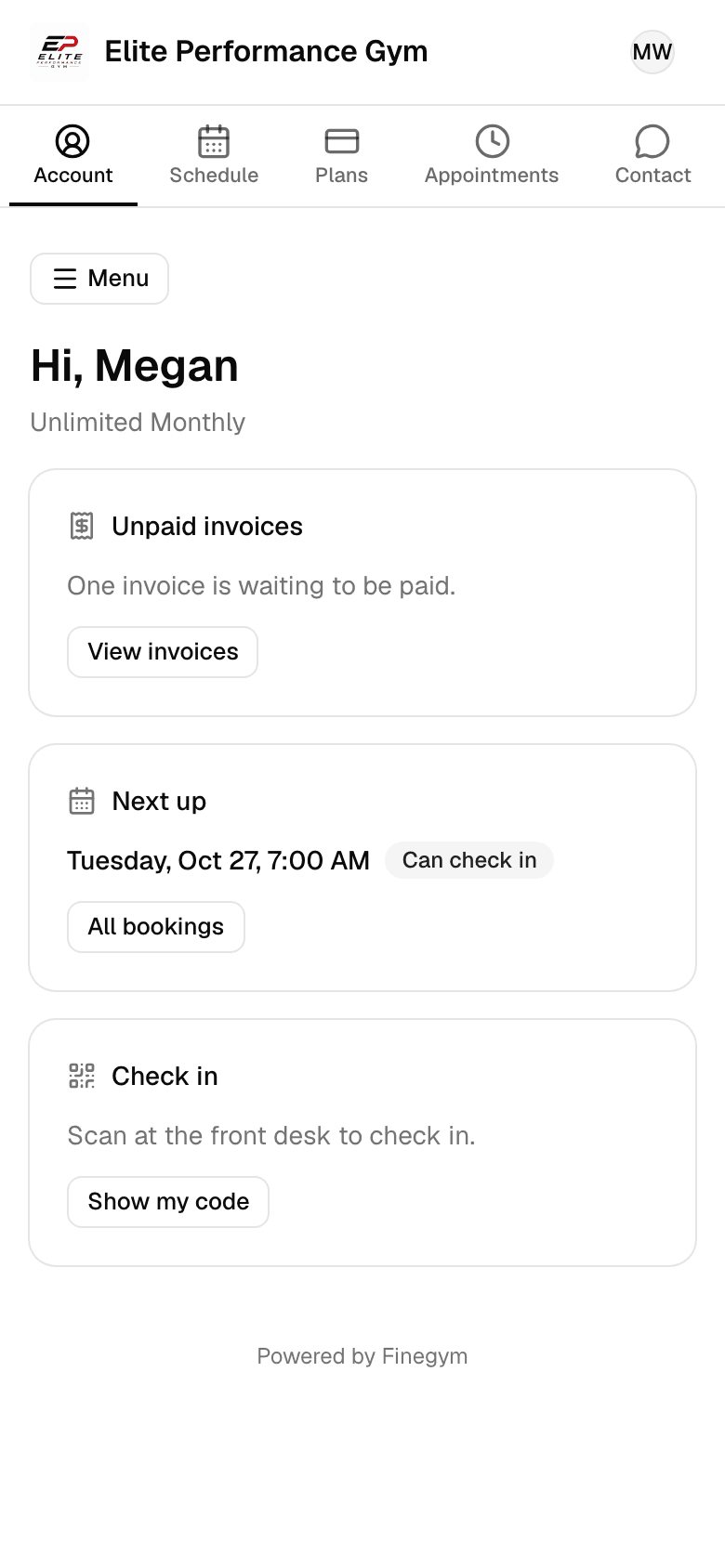
Today page
See who has checked in today
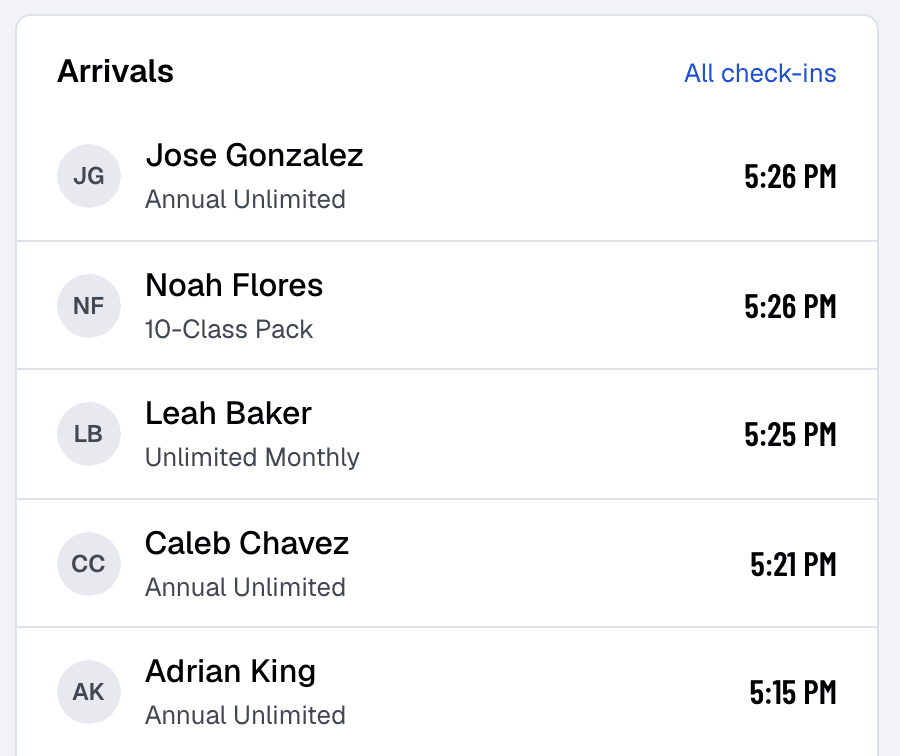
Gym staff see the latest check-ins under Arrivals on the Today page, refreshed every minute, along with how many are booked into each of today’s classes.
- Live arrivals
- See who has checked in today on the Today page, refreshed every minute.
Related features
Step-by-step guides
How it works in detail, in the Finegym help center.
Which plan do I need?
Free covers the day-to-day. Starter adds integrations, Growth adds marketing and your own branded app. Starter and Growth start with a 30-day free trial, no card needed.
Compare plans- Front desk kioskA self-service kiosk where members check in by QR code or PIN, book today’s classes, buy a plan and sign documents, and walk-ins sign up.
- IntegrationsKisi, Twilio, Zoom, QuickBooks Online, Wellhub and Zapier on Starter and up, and Google Calendar sync on every plan.
- Documents and waiversDigital document management with e-signatures for waivers, contracts, and membership agreements.
- Member appThe Finegym member app for iPhone and Android: members book classes, view schedules, manage memberships, and check in. Your own branded app on Growth.
Frequently asked questions
More answers, with steps and pictures, are in the help center. Help Center
Finegym automatically checks the membership status of each member before granting access. Only active members with valid memberships can check in using their PIN or QR code.
Yes. The Today page lists the latest arrivals, refreshed every minute, and the Check-ins page lists every visit by date. Finegym records when members come in, not when they leave.
Members can check in using their unique PIN at a front-desk station or by scanning their QR code via the Finegym mobile app. These options ensure a fast and secure check-in process.
Yes, Finegym logs every check-in for each member, with the time, the class or appointment, the membership used and who checked them in. This allows gym owners to analyze member behavior and visit patterns.
Absolutely. Finegym automatically denies access to members with expired or inactive memberships, ensuring that only those with valid memberships can use the facility.
Open on Finegym tomorrow.
Sign up in about two minutes, no card needed, and add your plans, schedule and members at your own pace. Moving from other software? We help for free.