Business policies
Publish your house rules and policies
Write your gym’s policies, from house rules to cancellation and privacy policies, and publish them in the member app, in every email and on a public link.
On every plan, Free included
Your rules
Write the rules in your own words
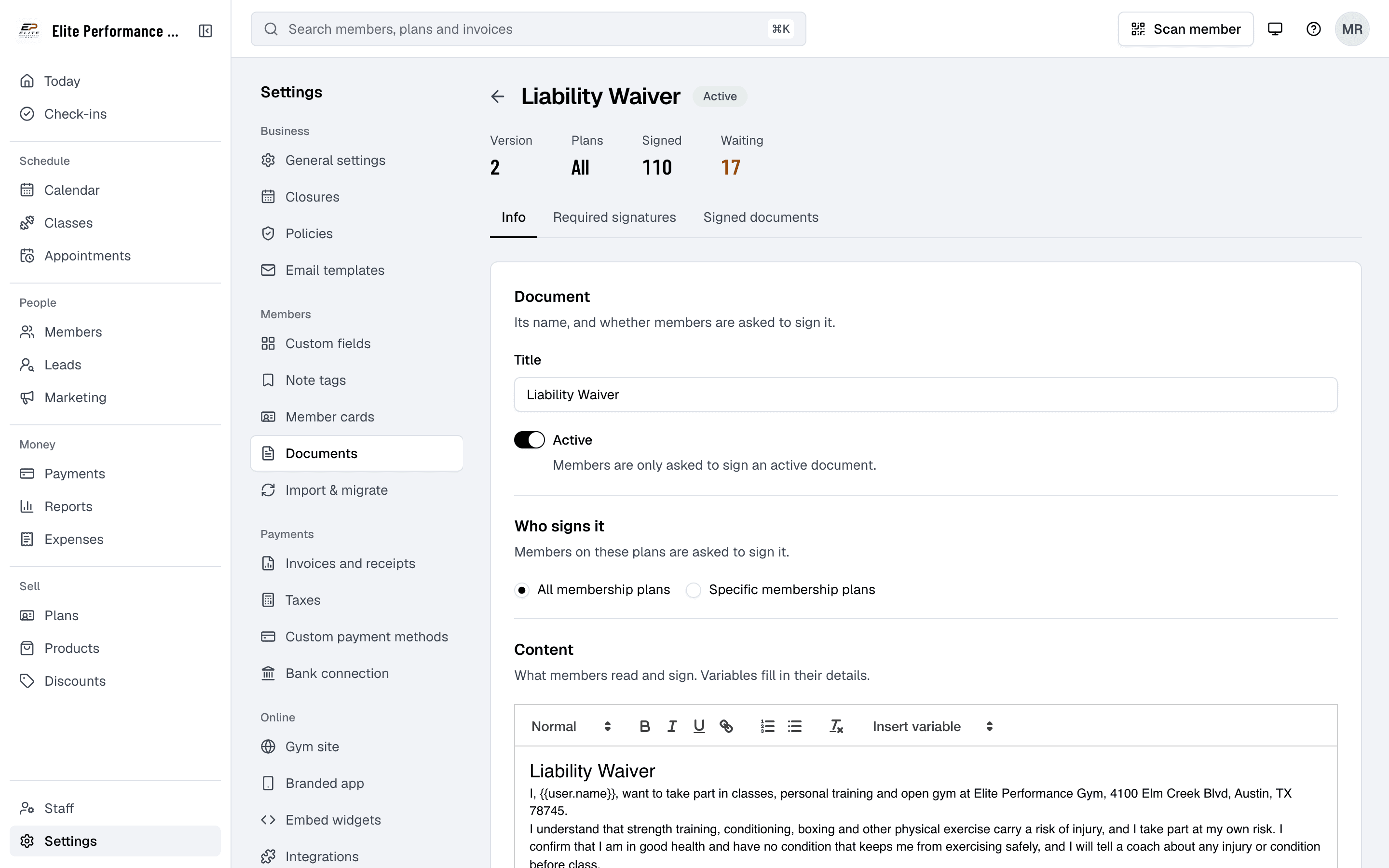
Write each policy under Policies in Settings, such as your house rules or cancellation policy, and edit it whenever your rules change. For something each member must sign, such as a waiver, use a document instead.
- Create and customize policies
- Admins can create gym policies such as membership terms, class rules, and usage guidelines tailored to their gym’s needs.
- Edit and update policies as needed
- Policies can be updated at any time to ensure they stay relevant as the gym’s requirements change.
- Real-time updates
- Any changes made by admins are reflected in real-time for members and the public to view.
Open Policies in Settings
And click Create policy document.
Give it a title
Such as House rules or Cancellation policy.
Write it and leave it Active
Members see active policies; inactive ones are hidden.
Where members read them
In the app, in every email and at a public link
Once policies are created by admins, members can read them in the member app and through the link at the bottom of every email. Each policy also has a public link that anyone can open without signing in, ensuring complete transparency.
- Public access without authentication
- Each policy has a public link that opens without signing in, allowing anyone to review the gym’s rules.
- In the app and every email
- Members read your active policies in the member app and through the link at the bottom of every email Finegym sends for you.
- Automatic updates
- Any changes made by admins to the policies are instantly reflected on the public-facing page, ensuring the most up-to-date rules are visible.
In the member app
Under Legal, in the menu.
From every email
Through the Privacy Policy link at the bottom of each email Finegym sends for you.
At its own public link
Put it on your website or send it to anyone who asks. No sign-in needed.
Related features
Step-by-step guides
How it works in detail, in the Finegym help center.
Which plan do I need?
Free covers the day-to-day. Starter adds integrations, Growth adds marketing and your own branded app. Starter and Growth start with a 30-day free trial, no card needed.
Compare plans- Documents and waiversDigital document management with e-signatures for waivers, contracts, and membership agreements.
- Membership managementCreate and manage recurring, non-recurring, and punchcard memberships with custom pricing, check-in limits, and validity periods.
- Member appThe Finegym member app for iPhone and Android: members book classes, view schedules, manage memberships, and check in. Your own branded app on Growth.
- NotificationsAutomatic emails for bookings, payment reminders and renewals, texts with Twilio on Starter and up, and campaigns by email, text or app notification on Growth.
Frequently asked questions
More answers, with steps and pictures, are in the help center. Help Center
Yes, Finegym allows gym admins to create custom policies for membership terms, gym rules, cancellation guidelines, and more, ensuring the policies align with your gym’s unique requirements.
Yes. Members read your active policies in the member app and through the link at the bottom of every email, and each policy has a public link that anyone can open without signing in.
Admins can easily edit and update policies through the web application. Changes made to policies are automatically reflected in real time on the public-facing policy page.
Copy a policy’s public link and put it on your website or send it to anyone who asks. It opens without signing in, ensuring transparency.
Open on Finegym tomorrow.
Sign up in about two minutes, no card needed, and add your plans, schedule and members at your own pace. Moving from other software? We help for free.