Appointments
Personal training appointment software
Members book one-on-one personal training with their preferred trainer in the Finegym app or on your website, and you manage each trainer’s availability.
On every plan, Free included
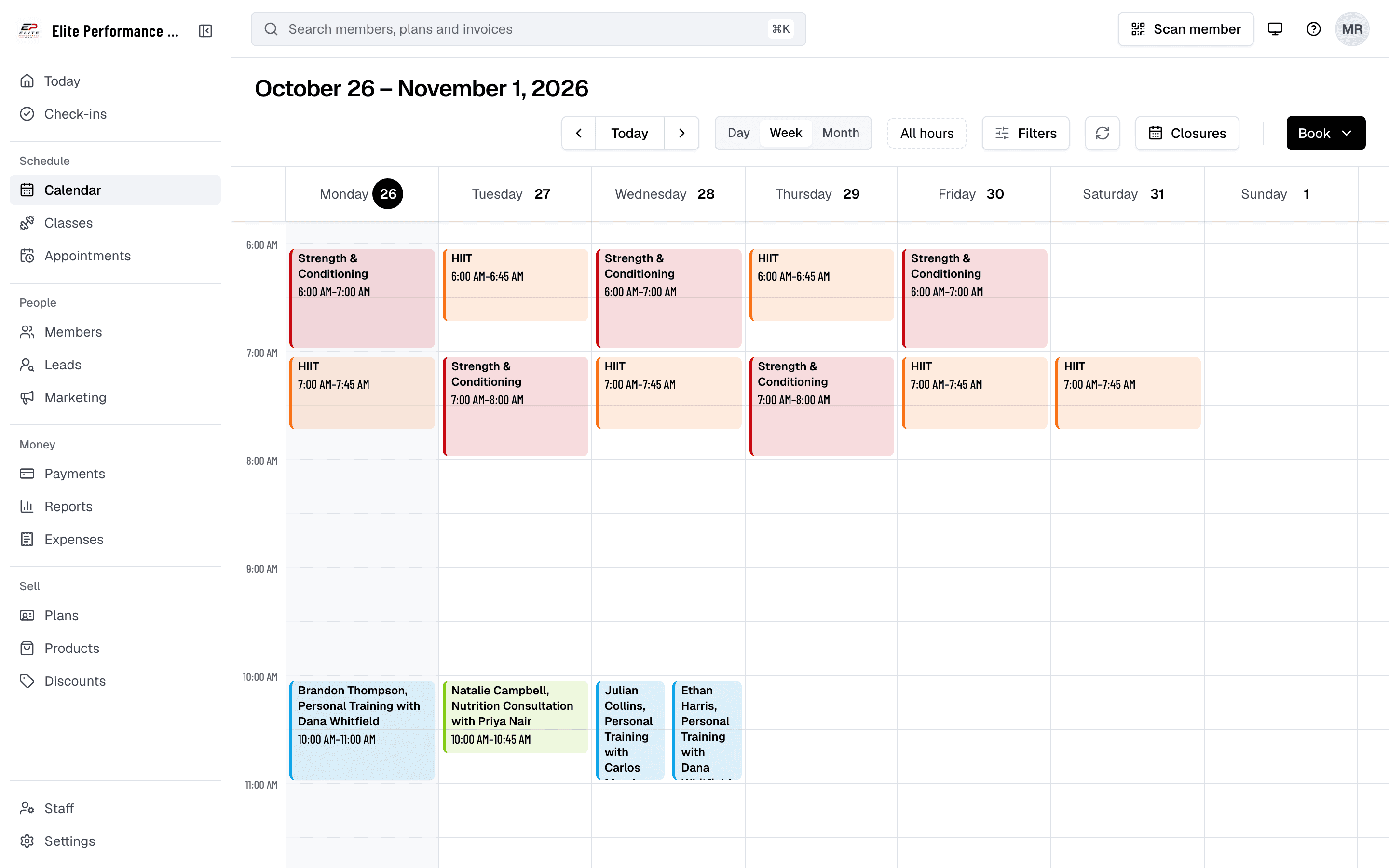
Availability
Each coach’s availability
Gym staff can manage their availability for personal training sessions, view member bookings, and adjust their schedules with ease. Trainers can also monitor upcoming appointments and get an email when one is booked or changed.
- Manage trainer availability (web app)
- Staff can adjust their availability to reflect accurate booking times for members (via the web app).
- Monitor upcoming sessions
- Trainers can view all upcoming sessions and prepare accordingly.
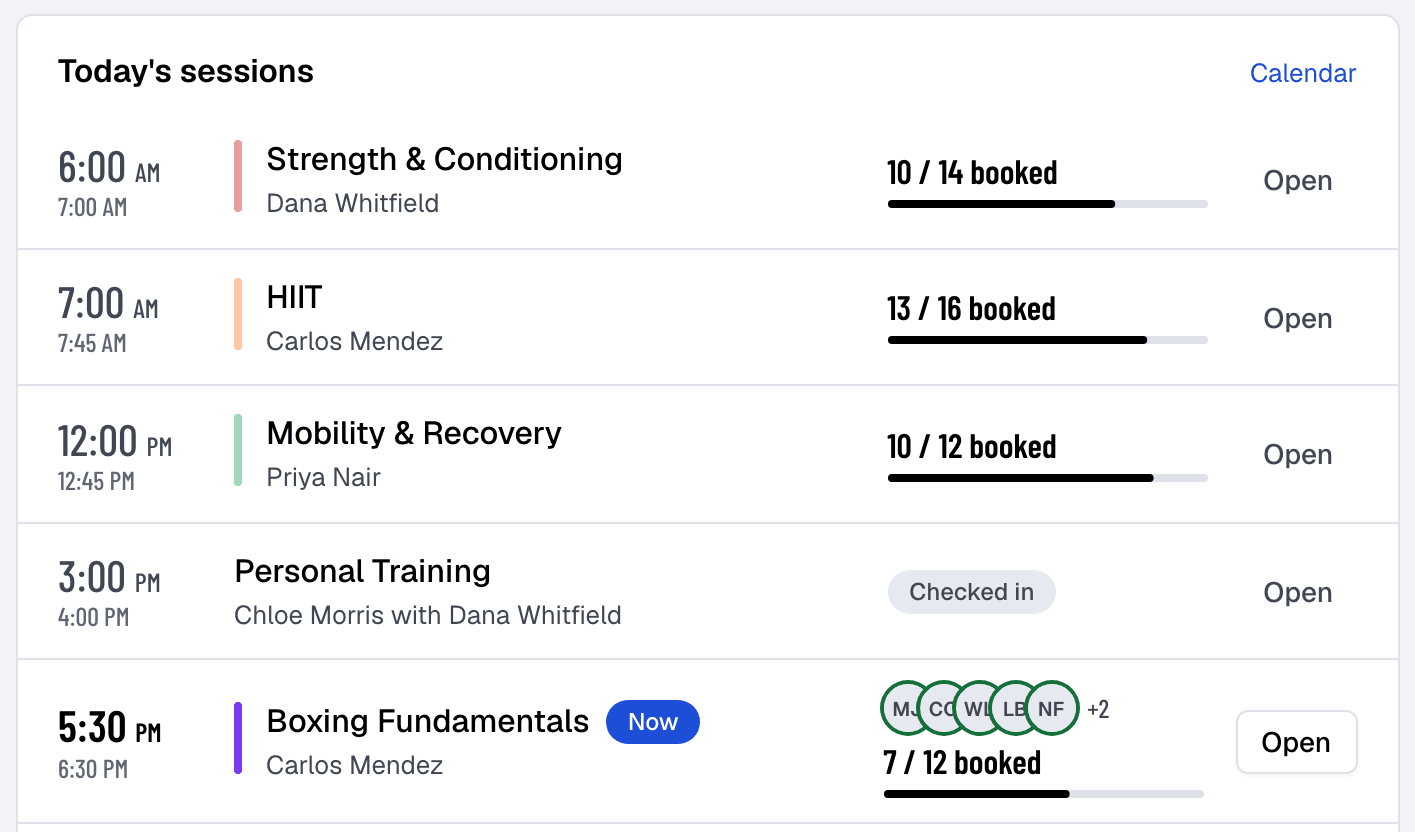
Member history
Appointment management
Finegym’s platform equips staff and trainers to seamlessly manage, track, and oversee all personal training sessions. Staff can view members’ past sessions, handle upcoming bookings, and send alerts for any appointment changes
- View members’ upcoming and past appointments
- Access a clear overview of scheduled and completed training sessions for each member.
- Track appointment history
- Keep a record of each member’s sessions, with check-ins and no-shows, to see how consistently they train.
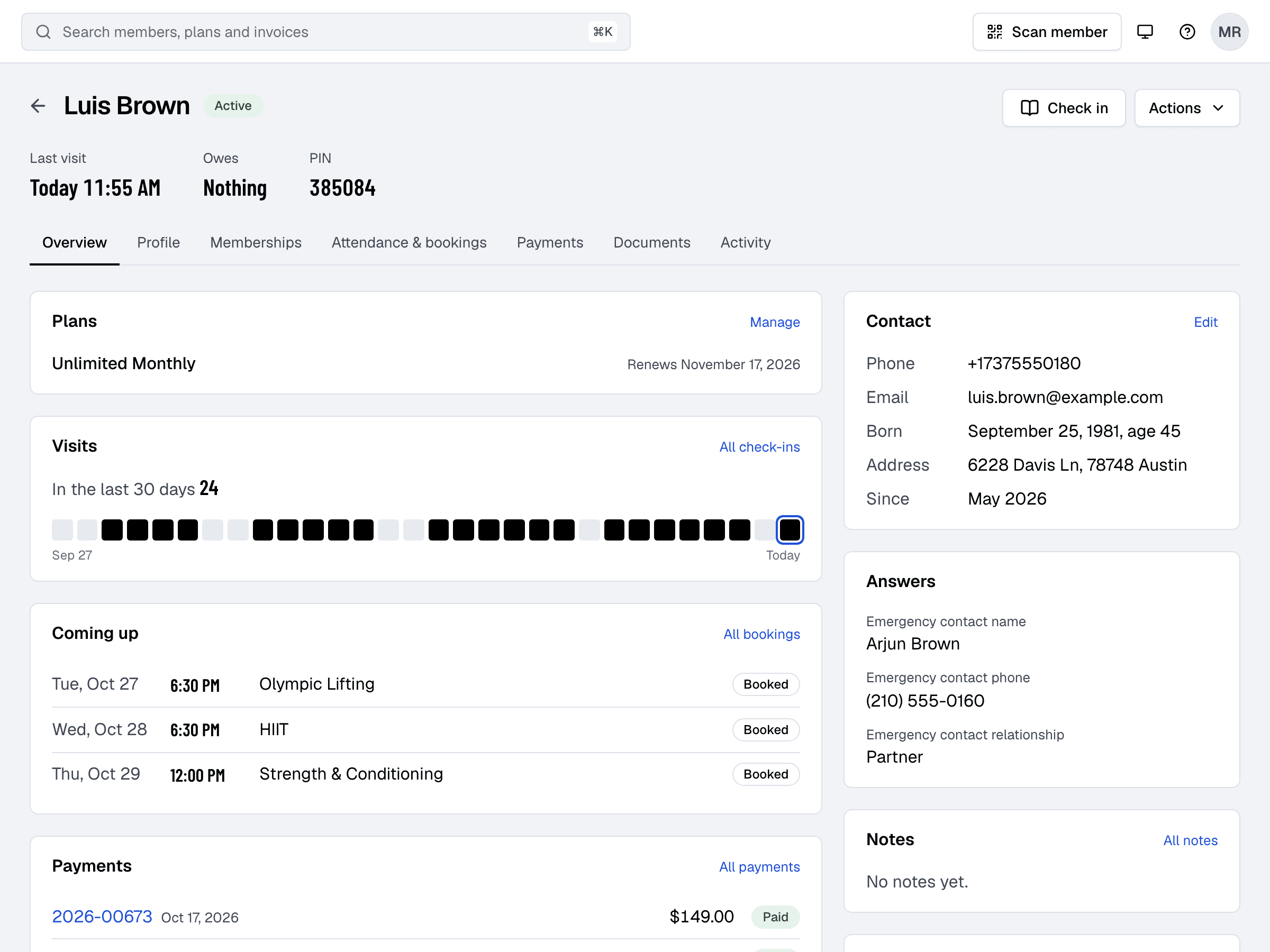
Online booking
Members book their own sessions
With Finegym’s appointment feature, members can browse available time slots and book personal training sessions with their preferred trainers. The app ensures a smooth booking experience, providing flexibility and convenience.
- Browse available trainers and time slots
- Easily view available appointment types, staff, and time slots, then select a time that suits your schedule.
- Instant booking confirmation
- Receive confirmation immediately after booking your session.
- Cancel and book again
- Cancel an upcoming session in the app before its free cancellation time, then book a new time. Staff can move an appointment for a member.
Choose the appointment
On your website or in the app, such as Personal Training.
Pick a coach, or Anyone
Then a day, and one of the times still free.
Confirm
With a membership that covers it, or pay for the one session by card.
Payments
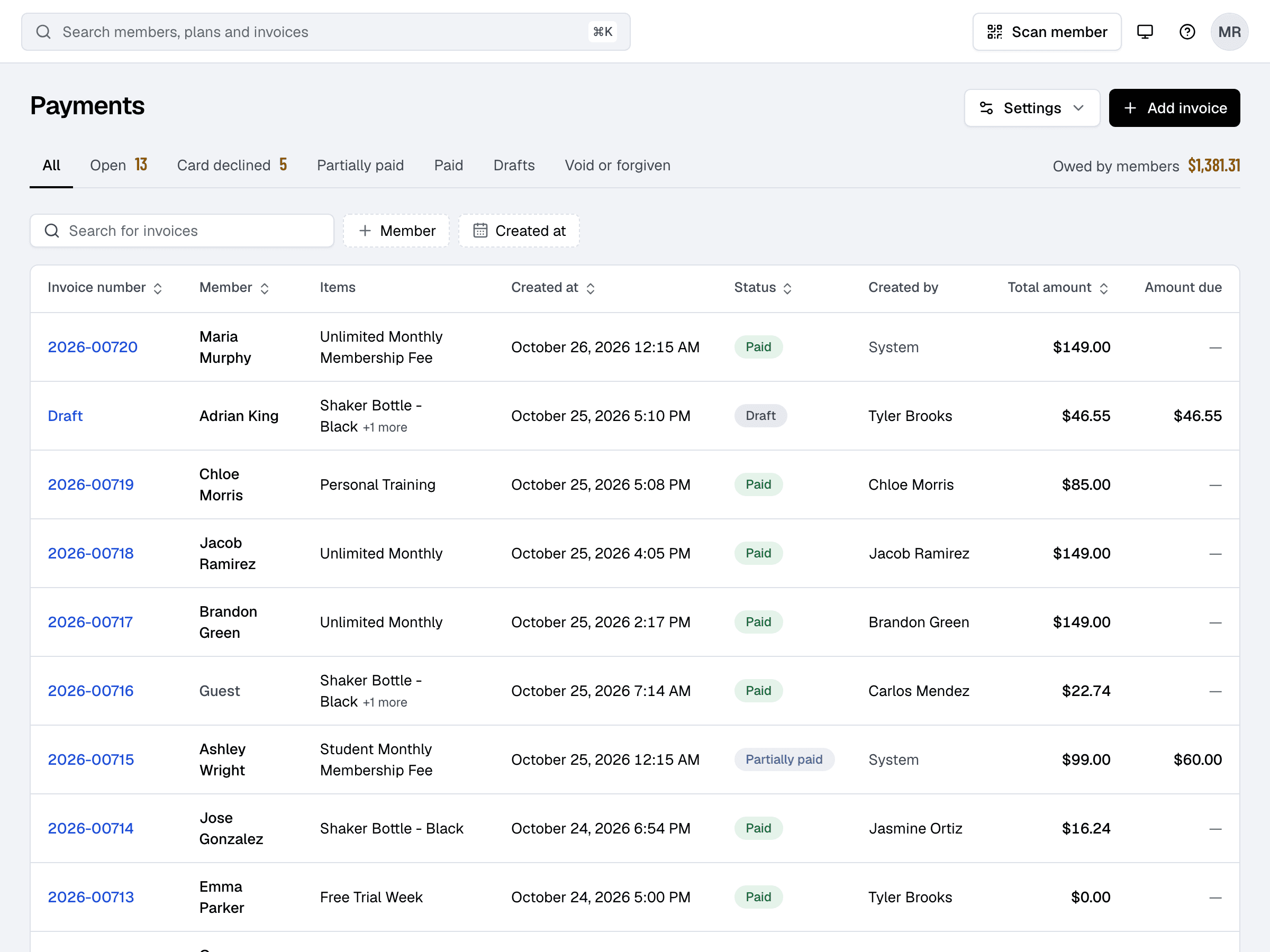
Paying for appointments
Members can book personal training sessions with a membership or punchcard that covers them, or pay for a drop-in session by card through the app’s secure Stripe integration.
- Pay with a membership or by card
- Book with a membership or punchcard that covers the appointment, or pay for a single drop-in session by card.
- Automatic invoices for drop-ins
- Each paid drop-in session gets its own invoice, keeping your payment history organized.
- Secure payment processing
- Make secure payments directly through the app, powered by Stripe integration.
Related features
Step-by-step guides
How it works in detail, in the Finegym help center.
Which plan do I need?
Free covers the day-to-day. Starter adds integrations, Growth adds marketing and your own branded app. Starter and Growth start with a 30-day free trial, no card needed.
Compare plans- Classes and schedulingSchedule group classes, set capacity limits, manage waitlists, and allow members to book directly from the app.
- Online bookingMembers book classes and appointments, join waitlists and cancel, in the app or on your website.
- Staff roles and permissionsOwner, Manager, Front desk, Coach or Custom: everyone signs in with their own email and sees what their job needs.
- Expenses and payrollRecord expenses, see income against them month by month, and work out each coach’s pay from the classes and appointments they taught.
Frequently asked questions
More answers, with steps and pictures, are in the help center. Help Center
Yes, members can easily browse available trainers and time slots and book personal training sessions directly through the Finegym mobile app.
Members can cancel an upcoming appointment in the app or on your website until its free cancellation time, then book a new time. Staff can move an appointment to another coach, day or time, and the member is told by email and app notification.
Members can book with a membership or punchcard that covers the appointment, or pay for a drop-in session by card in the app or on your website.
Members get a confirmation email when they book, with the session attached as a calendar event for their phone’s calendar. Finegym doesn’t send separate reminders before the session.
Yes, trainers can manage their availability through the web application. They can also view upcoming appointments and get an email when one is booked or changed.
Open on Finegym tomorrow.
Sign up in about two minutes, no card needed, and add your plans, schedule and members at your own pace. Moving from other software? We help for free.