Families
Family memberships that one parent manages
Group a parent and their children into a family. Children need only a name, with no email or sign-in of their own. When someone in the family holds a membership that’s shareable with family, everyone in it can book and check in on it, and the parent books, pays and signs for the children.
On every plan, Free included
The parent
Manages the family and holds the shareable membership
Ava
Dependent: no email, no sign-in
Ethan
Dependent: no email, no sign-in
Shareable plans
One membership for the whole family
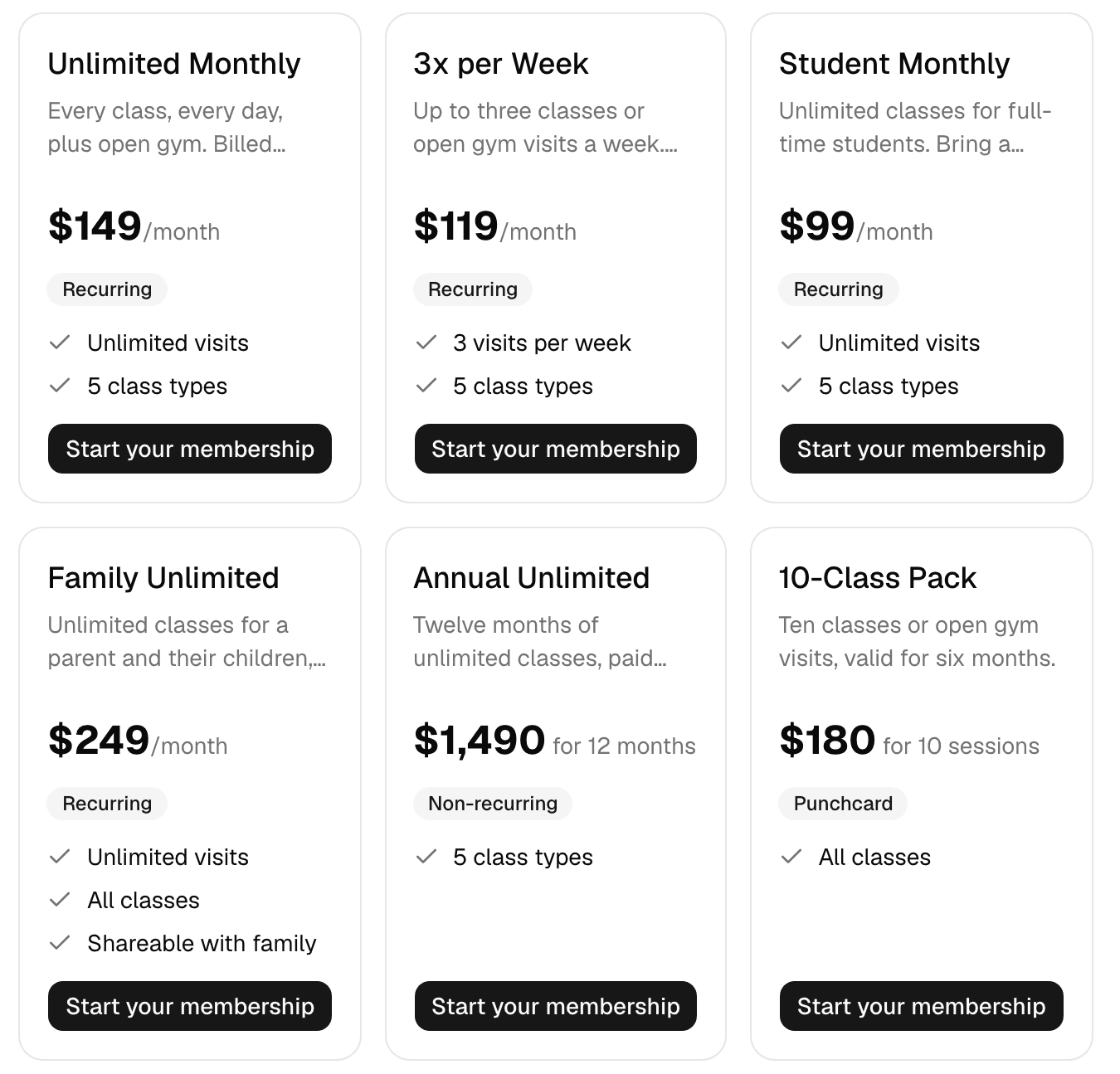
Turn on Shareable with family for a plan, such as a family unlimited plan. Whoever in the family holds it covers everyone else: they show as active, and their Memberships tab says who holds the membership that covers them.
- Limits still count.
- Each visit counts against the membership’s limits, whoever in the family makes it.
- One freeze for all.
- Freezing the holder’s membership pauses it for the whole family.
For parents
The parent books, pays and signs for each child
Whoever manages the family does it all from their own account, in the Finegym app or on your business’s website, and each child’s confirmation emails come to them.
Book classes and appointments
Each class shows the family, with Book next to each child, or Join waitlist when it’s full.
Pay their invoices
With the parent’s own card.
Sign their documents
The signed copy records that the parent signed on the child’s behalf.
Add and edit dependents
And answer the questions you ask about each child, such as an emergency contact.
At the front desk
Children check in like any member
A dependent is a member like any other, with a profile, a check-in QR code and PIN, attendance and notes. When staff book a class or check someone in, the children are offered with the family’s membership.
- Set up in a minute.
- On the parent’s profile, Create family, then Add dependent for each child. Members can also start a family themselves in the app or on your website.
- Every family in one list.
- Members, Families lists them all. Removing someone keeps their account and history.
Related features
Step-by-step guides
How it works in detail, in the Finegym help center.
Which plan do I need?
Free covers the day-to-day. Starter adds integrations, Growth adds marketing and your own branded app. Starter and Growth start with a 30-day free trial, no card needed.
Compare plans- Membership managementCreate and manage recurring, non-recurring, and punchcard memberships with custom pricing, check-in limits, and validity periods.
- Member appThe Finegym member app for iPhone and Android: members book classes, view schedules, manage memberships, and check in. Your own branded app on Growth.
- Online bookingMembers book classes and appointments, join waitlists and cancel, in the app or on your website.
- Documents and waiversDigital document management with e-signatures for waivers, contracts, and membership agreements.
Frequently asked questions
More answers, with steps and pictures, are in the help center. Help Center
No. Children are added as dependents with just a name and, if you like, a date of birth. Emails meant for them go to whoever manages the family.
Yes. Staff can make any family member who signs in a manager too. Someone with their own account, such as a partner or an older child, can be added to the family.
Plans are bought for oneself: the parent holds a plan that is shareable with family, and it covers everyone in the family. Each visit counts against that membership’s limits, whoever makes it.
Families are on every Finegym plan, Free included.
Open on Finegym tomorrow.
Sign up in about two minutes, no card needed, and add your plans, schedule and members at your own pace. Moving from other software? We help for free.