Switching From Mindbody: A Migration Checklist for Studios
What to export, what to rebuild, and how to move members, plans and billing dates to new software without a gap in payments or bookings.

6 min read
Leaving Mindbody is less about the software you're going to and more about the week in which your members, their plans and their billing dates have to land somewhere else without anyone noticing. Studios that do it well treat it as a project with a date. Studios that do it badly try to run both systems for a month.
This is the checklist, in the order it works.
Before you export anything
Pick the cutover date. Choose a day with few classes, usually a Sunday, two to three weeks out. Everything below works backward from it.
Read your contract. Mindbody plans run on terms. Note when yours ends and what notice it needs, and give that notice in writing now, so you aren't paying for two systems longer than the overlap you planned.
List what you actually use. Open your Mindbody account and write down every screen you touched in the last month: membership types, class types, pricing options, autopay contracts, gift cards, retail products, staff accounts, the reports you pull. Most studios find the list is shorter than they feared. Everything not on it doesn't need moving.
What to export
From Mindbody's reports and exports, you want five things:
- Clients. Name, email, phone, birthday, address, and the date they joined. Export active and inactive; you'll decide below who comes over.
- Active memberships and contracts. For each client: the pricing option, the price they pay (not the list price), the billing cycle, the next billing date, and any remaining sessions on packs.
- Class schedule. Class names, days, times, lengths, capacities and the instructor on each.
- Outstanding balances. Who owes what, so it isn't lost in the move.
- Signed waivers. Download the PDFs. New software can't re-sign the past, but you keep the record.
What you don't need: visit history older than a year, canceled contracts, marketing lists you never emailed. Moving less is faster and cleaner.
Rebuild the structure before the people
Members land on plans, plans belong to class types, class types have rules. Build those first, in the new system, by hand. It takes an afternoon and it's where you fix what Mindbody made messy.
- Membership plans. One plan per thing you sell, with its real rules: recurring monthly or yearly, class pack with a number of visits and an expiry, drop-in, trial. If you had seven variants of "Unlimited" in Mindbody because of old pricing, decide now whether they become one plan with a per-member price or stay separate.
- Class types. Name, length, capacity, who can book it, when booking opens and closes, the late-cancel window.
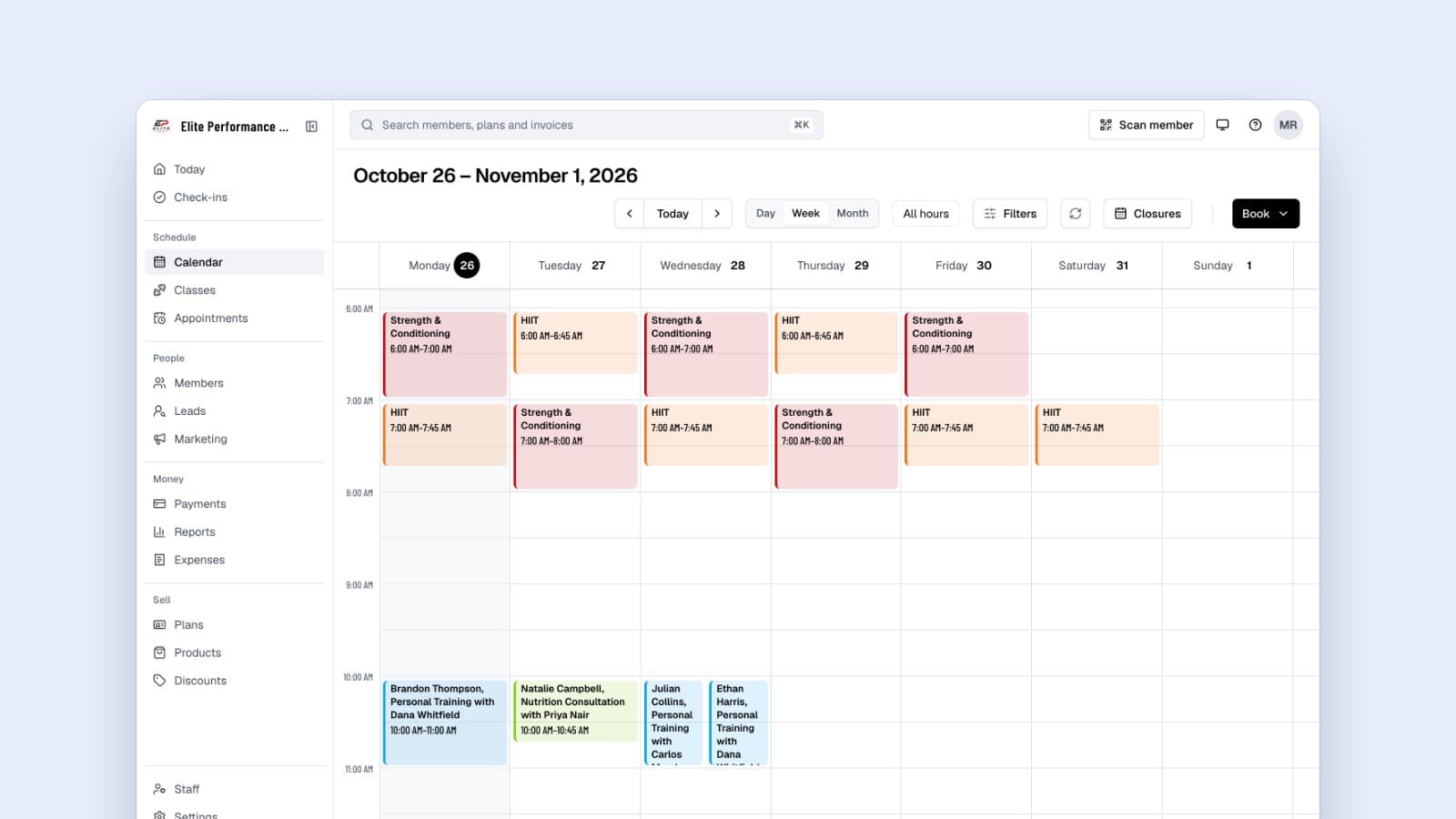
- The schedule. Recurring classes, with their coach, from the cutover date forward.
- Staff. Each coach and desk person with their own login and the permissions their job needs.
- Policies and waivers. Your cancellation policy and your waiver, as documents members sign in the app or at the desk.
Move the members
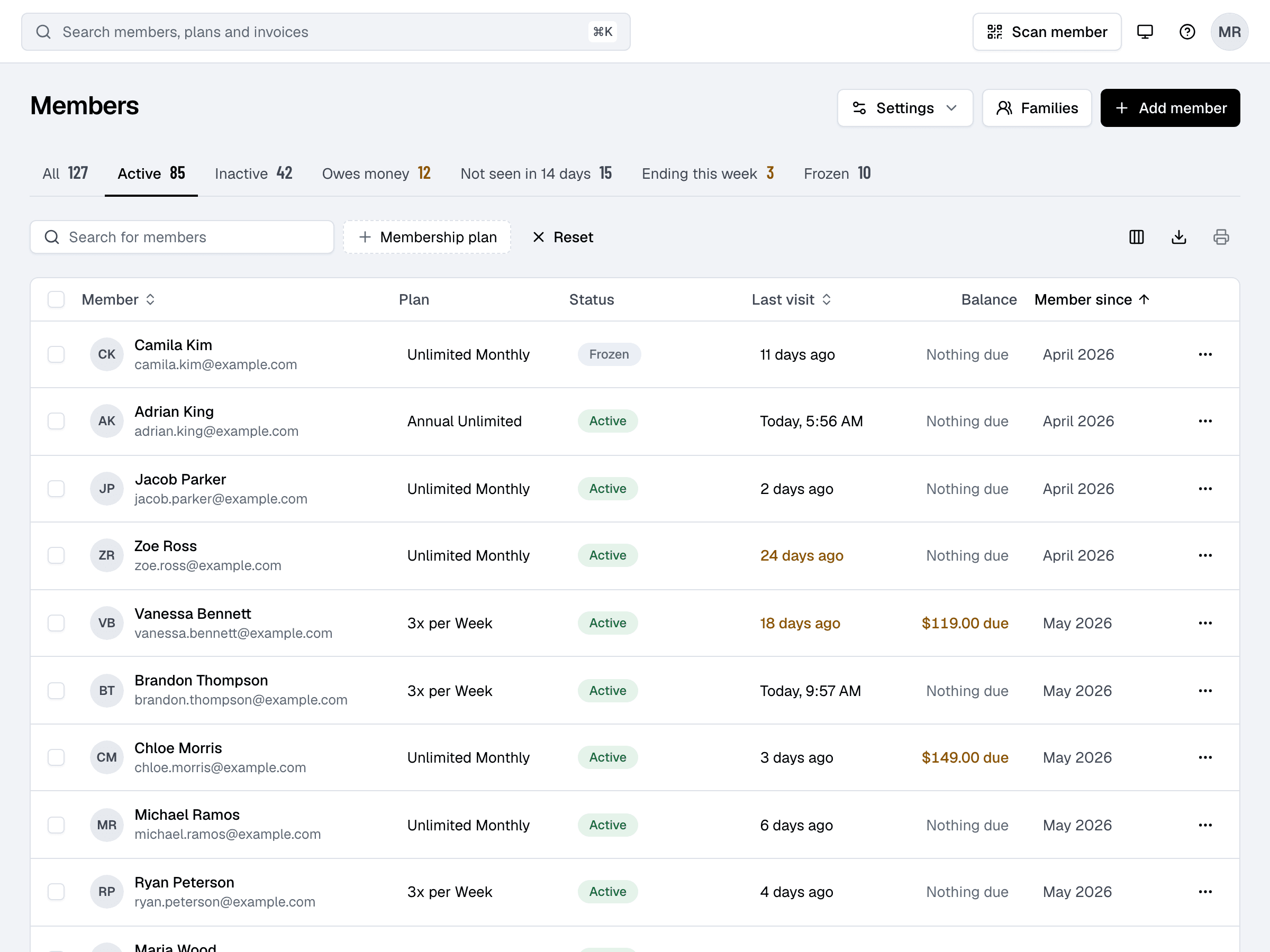
Import the client export as a CSV, matching your columns to the fields in the new system. Then assign each member the plan they're on, at the price they pay, with their next billing date set to the date Mindbody would have charged them.
That last part is the whole migration. If a member's next billing date is right, their first charge in the new system happens on the day they expected, for the amount they expected, and they don't notice the move. If it's wrong, you get double charges or missed charges, and you'll spend a week on refunds.
With Finegym, the import does the matching, and assigning plans with their billing dates is one step per member; our team does the import with you for free on every plan, Free included. Whatever software you choose, insist on this: the ability to set each member's next billing date on import. A system that bills everyone from the day you import them is a system you'll be apologizing for.
Cards without the cards
Card numbers don't come with you. Mindbody holds them with its processor and won't hand them over. Members have to enter their card once in the new system.
Do it before cutover, not after. Two weeks out, send every member on autopay a message: the studio is moving to new software on the cutover date, here's your link, please add your card by then, nothing else changes. Send it again a week later to those who haven't. At the desk, have staff ask everyone who checks in.
Members who add their card before cutover bill on schedule. Members who don't get an invoice on their billing date with a link to pay; most pay within a day or two. A handful will need a call. Expect that handful; it isn't a sign something went wrong.
If your new system runs on Stripe and your studio is moving from one Stripe account to another, ask about a card migration between accounts. It exists and it saves the step above, but it needs both sides to arrange it in advance.
The cutover weekend
- Friday: final export from Mindbody of clients, memberships and balances. Import or reconcile anything that changed since the first import (new members, cancellations).
- Saturday: send the welcome emails. Each member gets a link to set up their account, with their check-in PIN or QR code. Make the new schedule visible on your website and in the app.
- Sunday: switch your website's booking links and your front desk to the new system. Set Mindbody to stop billing, or cancel autopay contracts there, so nobody is charged twice.
- Monday: staff check members in on the new system. Keep Mindbody open read-only on one laptop for a week for anything you forgot to export.
The first month
Check three things weekly:
- Billing. Compare what was charged to what should have been. The first billing cycle is where date mistakes show.
- Bookings. Members who haven't booked in two weeks may not have set up their account. The welcome email can be resent.
- Balances. Outstanding amounts you brought over should be shrinking.
Then cancel Mindbody for good and export a final copy of everything for your records.
What you keep and what you lose
You keep your members, their plans, their billing dates, your schedule and your waivers. You lose detailed visit history (bring the last year as a report if you need it), reviews left on Mindbody's marketplace, and any clients who only found you through that marketplace, who were never really yours.
Most studios that make the move say the same thing afterwards: the migration took a weekend, and the dread of it took three months. Pick the date.
About the author
Founder & CEO
Vedad Burgic is the Founder and CEO of Finegym, a gym management platform built to help fitness businesses streamline operations and grow. With a background in software engineering and a passion for the fitness industry, Vedad created Finegym to solve the real challenges gym owners face every day — from scheduling and billing to member retention. He writes about gym management strategy, fitness technology, and building scalable fitness businesses.
Get new articles by email
Get the latest articles and tips delivered to your inbox.