Managing a gym, studio, or fitness facility isn't just about providing an excellent experience for members. It's also about making sure your team is equipped to use the tools that keep your business running smoothly. One such tool? Gym management software—a powerful solution that can streamline tasks like scheduling, billing, and member engagement.
But here's a reality check: If your staff isn't properly trained on your software, even the best gym management system won't be able to deliver optimal results. Poor software adoption leads to inefficiencies, frustrated staff, and ultimately, unsatisfied members. This blog walks you through how to effectively train your team on new fitness facility software in just 30 minutes. For comprehensive implementation guidance, implementing gym management software covers the broader deployment process beyond initial training.
Why Speedy Training Matters
Time is one of a gym's most valuable resources. Between classes, client training sessions, and day-to-day management, your staff's schedules are packed. Prolonged software training sessions can eat into this valuable time and leave little room for productivity.
Research shows that 70% of software implementations fail due to poor user adoption, not technical issues. The primary culprit? Inadequate or overly complex training that leaves staff feeling overwhelmed and unprepared. Quick and efficient training ensures your team gets acquainted with the new tools without disrupting your business operations. This approach aligns with comprehensive gym management software implementation strategies that prioritize minimal operational disruption.
Consider this scenario: A typical gym runs 15-20 classes per day, with staff juggling front desk duties, member inquiries, and class preparation. A two-hour training session means pulling staff away from revenue-generating activities for extended periods. With the right strategies, even a half-hour is enough to get everyone up to speed and maintaining your gym's operational flow.
Pre-Training Preparation: Setting Yourself Up for Success
Before diving into the actual training session, invest 10-15 minutes in preparation to maximize your 30-minute window:
Assess Current Technology Comfort Levels
Not all staff members have the same comfort level with technology. Survey your team beforehand to understand who might need extra attention during hands-on portions. This allows you to pair tech-savvy staff with those who might struggle, creating a collaborative learning environment.
Create Real-World Test Scenarios
Develop realistic scenarios that mirror daily operations. For example:
- Morning Rush Scenario: Multiple members checking in simultaneously while handling phone inquiries
- Class Change Scenario: Last-minute instructor cancellation requiring schedule adjustments and member notifications
- Payment Issue Scenario: Processing refunds or membership upgrades during peak hours
Set Up Training Environment
Ensure every participant has access to the software on their device. Pre-create test member accounts and sample data so training time isn't wasted on setup. Finegym's cloud-based architecture makes this particularly straightforward, as staff can access the system from any device with internet connectivity.
6 Steps to Train Staff on New Gym Software in 30 Minutes
1. Start with a Clear Training Objective (5 minutes)
Before you roll out new fitness studio management software, make sure the training session has a clear objective. Are you introducing billing features? Teaching staff how to schedule classes efficiently? Or showing them how to use check-in systems? Restrict the session to only what they need to know for now.
Clearly define the MVP (Minimal Viable Process) for the session. For example, if using scheduling features is the focus, your objective could be:
- Learning how to add, adjust, or cancel class schedules
- Understanding member notifications about schedule changes
- Managing waitlists and class capacity limits
By sticking to one core feature at a time, you ensure that the session stays focused and manageable. Start each session by writing the objective on a whiteboard or sharing it on screen, so everyone knows exactly what they'll accomplish in the next 25 minutes.
2. Break It Down by Role (5 minutes)
Your front desk staff, trainers, and managers have different responsibilities. Training them on every single feature of your software isn't only unnecessary but can also be overwhelming. Tailor the training to their roles to make it relevant and time-efficient.
Detailed Role-Based Breakdown:
Front Desk Staff (Priority Features):
- Member check-ins using QR codes, PINs, or manual entry
- Membership status verification and renewal alerts
- Basic payment processing through Stripe integration
- Handling guest passes and day-pass sales
- Accessing member contact information and emergency contacts
- Processing membership freezes or cancellations
Trainers/Coaches (Priority Features):
- Class and appointment scheduling with recurring options
- Member progress tracking and note-taking
- Equipment and room booking management
- Viewing member attendance history
- Managing personal training packages and sessions
- Accessing member health information and restrictions
Managers/Owners (Priority Features):
- Comprehensive reporting and analytics dashboard
- Membership plan configuration and pricing management
- Staff management and permission settings
- Financial reporting and payment tracking
- Marketing automation and member communication tools
- Equipment maintenance tracking and scheduling
Finegym's role-based access control system makes this approach particularly effective, as staff members only see the features relevant to their role, reducing information overload and simplifying training. The system automatically customizes the dashboard based on user permissions, ensuring each team member sees exactly what they need without distraction.
3. Use Hands-On Demonstrations (10 minutes)
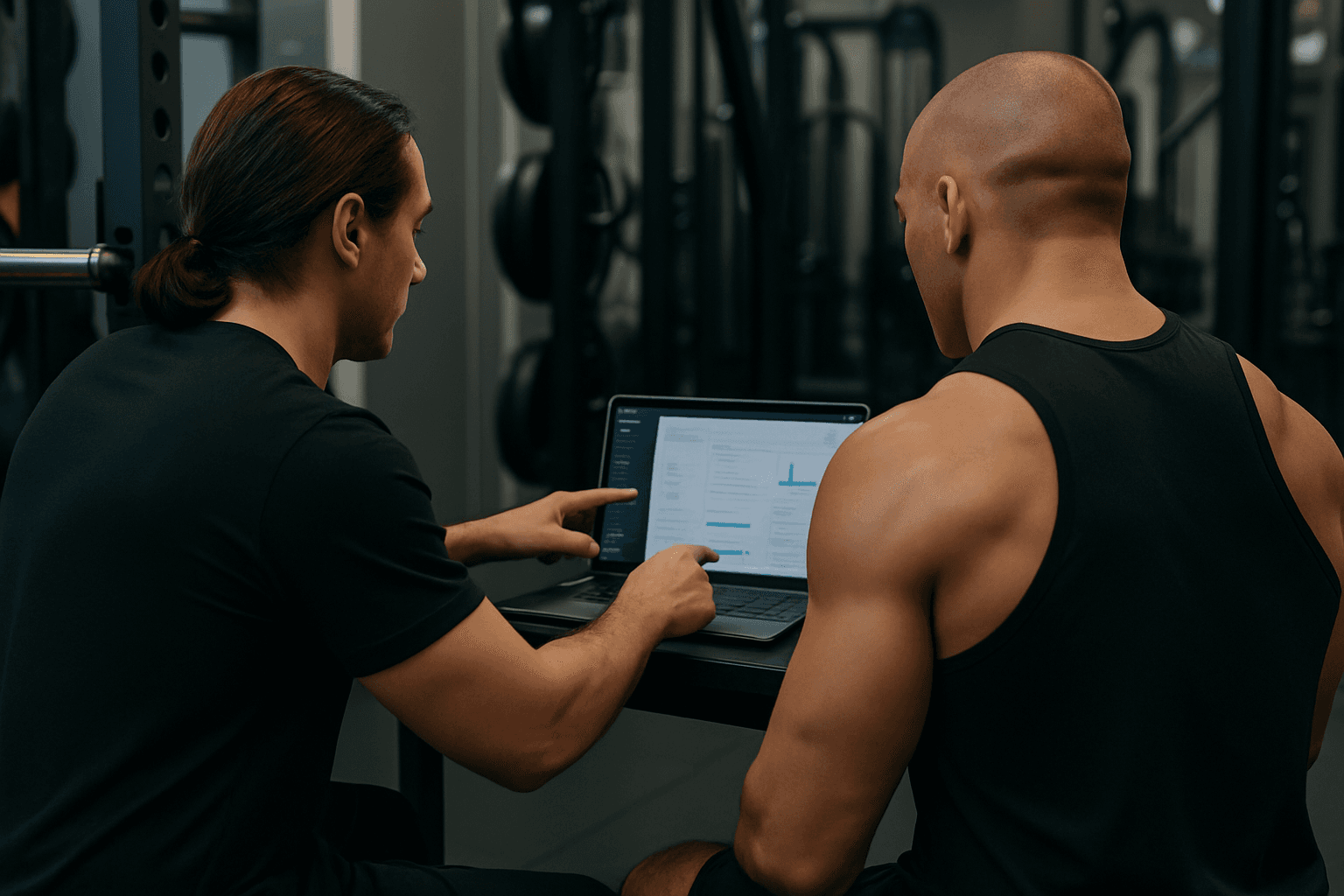
Nothing solidifies new knowledge better than application. Use live demonstrations with the software itself, but make them interactive from the start. For example:
Scenario-Based Learning Approach:
- The 6 AM Rush: Demonstrate how to handle multiple member check-ins when your early birds arrive. Show the bulk check-in features and how to quickly resolve membership status issues.
- Class Cancellation Crisis: Walk through the process of canceling a popular yoga class due to instructor illness, including automated member notifications and rebooking options.
- New Member Onboarding: Process a complete membership sign-up, including photo capture, waiver signing, and first payment processing.
Encourage staff to follow along on their own devices immediately. Don't wait until the end for hands-on practice—make it simultaneous. Finegym's intuitive interface, built on modern design principles with Tailwind CSS and Flowbite components, makes these demonstrations straightforward. The platform's visual consistency helps staff quickly learn where to find various functions.
Interactive Elements to Include:
- Have each participant complete the same task you just demonstrated
- Use the "buddy system"—pair experienced team members with newer ones
- Encourage questions and troubleshooting in real-time
- Highlight keyboard shortcuts and time-saving features
4. Offer Cheat Sheets and Visual Aids (2 minutes)
After the training, your staff might not remember every single detail. That's where cheat sheets and visual aids come in handy. Provide quick-reference guides for common tasks, complete with screenshots and step-by-step instructions.
Essential Cheat Sheet Components:
Quick Reference Card:
- Login procedures and password reset steps
- Top 5 most common tasks for each role
- Emergency contact information for technical support
- Keyboard shortcuts for frequent actions
Visual Workflow Diagrams:
- Member check-in process flowchart
- Class scheduling step-by-step guide
- Payment processing troubleshooting tree
- End-of-day closing procedures
Common Error Messages Guide:
- What each error message means in plain English
- Step-by-step resolution for frequent issues
- When to escalate to management or technical support
Finegym's consistent interface design makes these visual aids particularly effective, as the same navigation principles apply across different sections of the software. Create laminated reference cards that staff can keep at their workstations for quick access during busy periods.
5. Address Common Pain Points and Troubleshooting (5 minutes)
Even the best gym management software might present a learning curve. Here's where proactive troubleshooting steps can save the day. Dedicate these crucial minutes to address anticipated challenges your team might face.
Most Common Issues and Solutions:
Member Check-In Problems:
- QR code not scanning: Use manual member lookup by phone number or name
- Member not found: Check for account under different phone number or email
- Expired membership: Process renewal immediately or issue day pass
Payment Processing Issues:
- Declined credit card: Offer alternative payment methods or payment plan setup
- Stripe connection errors: Use manual payment recording with follow-up processing
- Refund requests: Navigate refund procedures and documentation requirements
Scheduling Conflicts:
- Double-booked resources: Quick resolution strategies and member communication
- Instructor no-shows: Substitute instructor protocols and class management
- Waitlist management: Automated notifications and manual override options
Finegym's comprehensive dashboard provides clear visual indicators for many common issues—like membership expiration warnings, payment failures, and scheduling conflicts—making them easier to identify and resolve quickly. Train staff to recognize these visual cues and respond appropriately.
Escalation Protocols:
- When to handle issues independently versus escalating to management
- How to document problems for pattern recognition
- Emergency contacts for technical support outside business hours
6. Follow Up with Ongoing Support (3 minutes)
The learning doesn't stop once your session ends. Having continual support ensures your staff feels confident and doesn't get stuck when something unexpected happens.
Structured Follow-Up Strategy:
Week 1-2: Intensive Support
- Daily 5-minute check-ins to address immediate questions
- "Shadow training" where new users work alongside experienced staff
- Document frequently asked questions for future training sessions
Week 3-4: Gradual Independence
- Schedule a 15-minute follow-up session to address lingering difficulties
- Create a dedicated Slack channel or WhatsApp group for quick software-related questions
- Implement peer mentoring system where confident users help others
Ongoing Support Structure:
- Monthly mini-training sessions for new features or updates
- Quarterly refresher training for all staff
- Annual comprehensive training review with feedback collection
Consider these additional support strategies:
- Video tutorials for complex processes that staff can reference anytime
- Regular software updates communication and mini-training sessions
- Recognition program for staff who become software "power users"
Finegym's focus on user experience means many potential questions are addressed through intuitive design, but having a robust support system in place ensures smooth transitions and builds staff confidence.
Measuring Training Success
Key Performance Indicators:
Immediate Metrics (Week 1):
- Time to complete common tasks (target: 50% reduction from manual processes)
- Number of support tickets or questions per staff member
- User login frequency and feature adoption rates
Operational Metrics (Month 1):
- Member wait times during check-in
- Accuracy of scheduling and billing processes
- Staff confidence surveys and feedback scores
Business Impact Metrics (Month 3):
- Overall operational efficiency improvements
- Member satisfaction scores related to service speed
- Revenue impact from improved process efficiency
The Benefits of Effective Finegym Training
When your team is fully trained on Finegym's comprehensive gym management solution, the benefits ripple across your business:
Immediate Operational Benefits:
- Streamlined Operations: Finegym's unified interface brings scheduling, member management, and payments into one cohesive system, eliminating the need to juggle multiple tools.
- Enhanced Member Experience: Staff can quickly access member information, process check-ins via QR codes, and manage bookings, leading to faster service and happier members.
- Reduced Human Error: Automated processes minimize manual data entry mistakes and ensure consistent service delivery.
Strategic Business Advantages:
- Data-Driven Decisions: Finegym's robust reporting provides managers with actionable insights on attendance, revenue, and membership growth, enabling smarter business strategies.
- Scalability: Well-trained staff can handle increased member volume without proportional increases in operational complexity.
- Competitive Edge: Efficient operations and superior member experience differentiate your facility in a crowded fitness market.
Long-Term Staff Benefits:
- Reduced Administrative Burden: Automated processes for billing, check-ins, and notifications free up your team to focus on what truly matters—delivering exceptional fitness experiences.
- Professional Development: Technology proficiency enhances staff skill sets and career advancement opportunities.
- Job Satisfaction: Efficient tools reduce frustration and enable staff to provide better member service.
Advanced Training Strategies for Complex Features
For more sophisticated features like analytics reporting, marketing automation, or advanced member management, consider these extended training approaches:
Micro-Learning Sessions: Break complex features into 10-minute daily training sessions over a week rather than overwhelming staff with hour-long sessions.
Feature Champions Program: Identify tech-savvy staff members to become feature experts who can train and support their colleagues.
Real-World Application Projects: Give staff specific projects that require using new features, such as creating a monthly attendance report or setting up automated birthday email campaigns.
Empower Your Team in Just 30 Minutes
Training your team on new gym management software doesn't have to be a drawn-out process. By setting clear objectives, tailoring training to roles, using hands-on demonstrations, and reinforcing knowledge with practical support, you can ensure quick adoption without sacrificing efficiency.
The key is preparation, focus, and ongoing support. Remember that effective training is an investment that pays dividends in operational efficiency, staff confidence, and member satisfaction. Finegym's modern, intuitive design supports this approach, with role-based access controls, consistent interface patterns, and powerful yet straightforward functionality that staff can master quickly.
Your 30-minute investment in proper training will save hours of confusion, reduce support tickets, and create a more confident, efficient team. When staff feel comfortable with their tools, they can focus on what they do best—creating an exceptional fitness experience for your members. For structured implementation planning, onboarding checklists for gym owners provide comprehensive frameworks for successful software adoption.
Ready to transform the way your gym operates? Get started for free today to see how Finegym can streamline your operations and experience the difference for yourself.