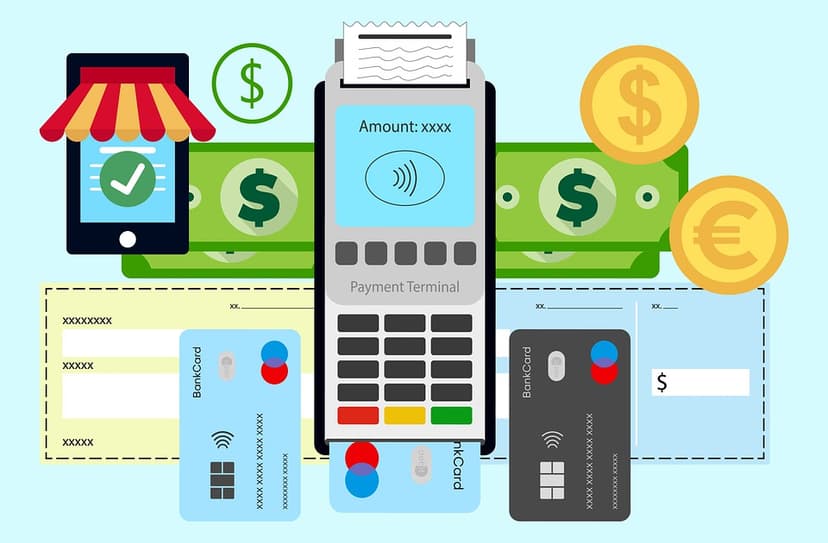

Billing problems can quickly drain a gym’s momentum, leaving owners dealing with missed payments and member complaints. For fitness studios, staying profitable hinges on reliable membership billing practices that keep cash flow healthy and member records accurate. With the right process, you can prevent disputes, reduce administrative workload, and make every transaction smooth for both staff and members. This guide shows practical steps to set up billing that works seamlessly from day one.
Table of Contents
- Step 1: Set Up Billing Information Accurately
- Step 2: Configure Automated Payment Schedules
- Step 3: Integrate Member Management Seamlessly
- Step 4: Review and Reconcile Payment Reports
Quick Summary
| Key Takeaway | Explanation |
|---|---|
| 1. Accurate Billing Data Matters | Ensuring correct member information prevents payment failures and disputes, thus supporting financial health. |
| 2. Automate Payment Schedules | Using automated billing reduces manual work and creates predictable charging cycles for members. |
| 3. Integrate Systems for Efficiency | Connecting billing and member management reduces errors and saves administrative time. |
| 4. Regularly Reconcile Payments | Frequent reconciliation of payment records helps catch discrepancies and maintain financial integrity. |
| 5. Maintain Data Privacy | Proper access control for billing information keeps sensitive data secure and only available to authorized staff. |
Step 1: Set Up Billing Information Accurately
Accurate billing information is the foundation of your fitness business's financial health. This step ensures your member data is complete, correct, and ready for reliable recurring payments. Getting this right now prevents headaches (and revenue loss) later.
Start by gathering the essential billing details for each member. You'll need their full legal name, current mailing address, email address, and phone number. These details aren't just nice to have—they're critical for payment processing, dispute resolution, and member communication.
Next, capture their payment information carefully. Collect their preferred payment method: credit card, debit card, or bank account details for ACH transfers. When entering credit card data, verify the cardholder name matches the member's account name. Double-check expiration dates and billing zip codes, as mismatches will cause failed charges.
Accurate member records directly impact your cash flow and ability to resolve billing disputes quickly.
Maintaining detailed billing records helps you track payment history, identify recurring problems, and provide solid documentation if questions arise. Store this information securely in your billing system and ensure only authorized staff can access it.
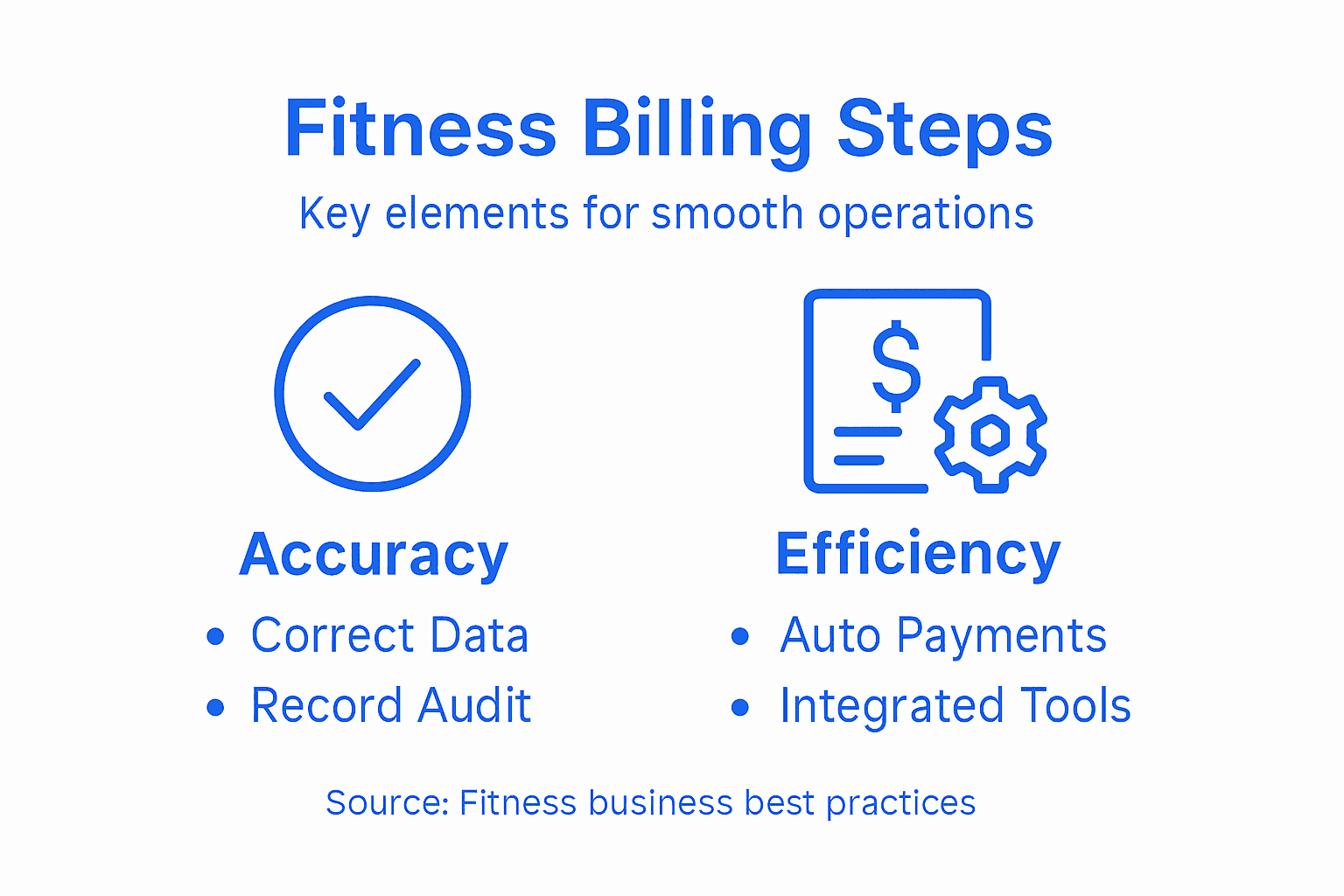
Here's a summary of key billing data elements and their business impact:
| Data Element | Purpose | Business Impact |
|---|---|---|
| Legal Name | Confirms identity and records | Reduces payment and dispute risk |
| Mailing Address | Sends official communications | Supports compliance, mail contact |
| Email and Phone | Enables notifications and support | Improves communication speed |
| Payment Method Details | Processes transactions securely | Minimizes failed payments |
Your billing platform should allow you to assign each member to the correct membership tier, start date, and renewal cycle. Confirm that billing dates align with your gym's payment schedule. If a member joins mid-month, clarify whether they pay pro-rated fees or start billing on the first of the next month.
Here's a quick checklist before moving forward:
- Member's legal name matches their payment method exactly
- Mailing address is current and complete
- Email and phone number are correct
- Payment method details are entered accurately
- Membership tier and billing cycle are properly configured
- Start date and renewal schedule are set correctly
Pro tip: Set a monthly reminder to audit 20-30 random member billing records for accuracy—this small habit catches data entry errors before they cascade into failed payments and frustrated members.
Step 2: Configure Automated Payment Schedules
Automated payment schedules are where your billing efficiency truly happens. This step sets up your system to charge members consistently without manual intervention, keeping your cash flow steady and your workload light.

Begin by defining your billing frequency. Most gyms use monthly billing, but some offer quarterly or annual options. Decide which intervals make sense for your business model and member preferences. Your choice here directly affects how often payments are processed and when revenue hits your account.
Next, set your billing date. Many gym owners choose the first or fifteenth of the month for simplicity. Pick a date that aligns with your cash flow needs and gives members predictable, easy-to-remember payment timing. Consistency matters here—members appreciate knowing exactly when they'll be charged.
With automated billing systems, you can configure payment retry logic to handle failed charges gracefully. Set up the system to automatically retry failed payments after 3-5 days, then again after 7-10 days if needed. This approach recovers revenue from temporary card issues without requiring manual follow-up.
Automation reduces manual work while improving member payment experience through reliable, predictable billing cycles.
Configure which payment methods members can use. Credit cards and debit cards are standard, but ACH transfers from bank accounts often have lower failure rates and appeal to cost-conscious members. Offering multiple options increases successful payments and member satisfaction.
Set up automated reminders before billing occurs. Most platforms let you send email or SMS notifications a few days before the charge. This courtesy prevents surprise charges and reduces payment disputes.
Compare automated payment schedule features and their benefits:
| Feature | Description | Advantage for Fitness Centers |
|---|---|---|
| Automated Retry Logic | Retries failed payments at set intervals | Recovers revenue with less follow-up |
| Multiple Frequencies | Monthly, quarterly, or annual billing | Matches member preferences, increases flexibility |
| Pre-Billing Reminders | Notifies members before charges | Reduces failed or disputed payments |
| Multiple Payment Methods | Accepts cards and ACH transfers | Increases payment success rates |
Consider these configuration essentials:
- Billing frequency (monthly, quarterly, or annual)
- Specific billing date each cycle
- Payment method options available to members
- Retry logic for failed payments
- Pre-billing reminder timing and channels
- Currency and tax handling if applicable
Pro tip: Enable automatic email receipts immediately after successful payments—this builds member trust and reduces billing dispute tickets by providing instant confirmation.
Step 3: Integrate Member Management Seamlessly
Integrating your billing system with member management creates a unified hub for all gym operations. This step connects member profiles, attendance data, and billing information so everything flows together without manual data entry.
Start by syncing your member database with your billing platform. Your member management system likely already tracks names, contact info, membership types, and join dates. Ensure your billing system pulls this data automatically rather than requiring duplicate entry. One source of truth prevents data mismatches and saves hours of admin work.
Next, map membership tiers to billing amounts. If you offer basic, premium, and elite memberships at different price points, configure your billing system to charge the correct amount for each tier. Verify that tier changes automatically update billing amounts going forward.
Connect attendance and engagement data to your billing workflows. When you have automated gym billing setup integrated with member profiles, you can track which members are active and which are inactive. This visibility helps you identify churn risk early and reach out before cancellations happen.
Strong integration between member management and billing creates transparency and reduces errors across your entire operation.
Configure automated communications based on member activity. Your system should send welcome emails to new members, renewal reminders before billing dates, and re-engagement messages to inactive members. These touchpoints work best when triggered automatically by your member data.
Set up access controls so your front desk staff can view member billing info without changing critical settings. Your manager or owner should have full control over billing configurations, while staff only need visibility for member service inquiries.
Integration priorities to address:
- Member profile data syncs automatically
- Membership tier changes update billing instantly
- Attendance data connects to member records
- Automated email triggers based on member status
- Staff access levels configured appropriately
- Payment history visible in member profiles
Pro tip: Run a data audit before full integration—export member lists from both systems and compare for duplicates, missing fields, or outdated information, then clean everything up before connecting them permanently.
Step 4: Review and Reconcile Payment Reports
Payment reconciliation ensures your billing records match your actual bank deposits. This step catches discrepancies early, prevents fraud, and gives you confidence that your financial data is accurate and complete.
Begin by gathering your payment reports from multiple sources. Export transaction reports from your billing platform, download bank statements from your gym's checking account, and pull credit card processor statements. Having all three sources side by side lets you compare what should have deposited with what actually did.
Next, create a simple reconciliation checklist. List every transaction your billing system shows, then mark it off as you find it in your bank or payment processor statement. Look for matching amounts, transaction dates, and member names. Small discrepancies like timing differences (a charge processed on Friday but deposited Monday) are normal.
Payment reconciliation involves matching transactions recorded in your accounting system against bank and payment provider statements. This process detects errors, prevents fraud, and maintains the integrity of your financial records. Take your time here—accuracy matters more than speed.
Regular reconciliation catches problems early before they compound into bigger accounting headaches.
Investigate any transactions that don't match. Did a payment fail but your system shows it succeeded? Did a refund post to your bank but not your billing platform? Document these discrepancies and resolve them systematically.
Set a regular reconciliation schedule. Most gym owners reconcile monthly, matching reports from the previous month. Some prefer weekly or bi-weekly reconciliation for tighter cash flow monitoring. Pick a frequency that works for your operation and stick to it.
Your reconciliation process should include:
- Exporting reports from billing platform and bank
- Comparing transaction amounts and dates
- Matching each charge to a corresponding deposit
- Documenting unexplained discrepancies
- Investigating and resolving mismatches
- Approving the reconciliation once balanced
Pro tip: Create a simple spreadsheet template with columns for date, member name, amount charged, and deposit status—reusing the same format each month makes reconciliation faster and helps you spot patterns in payment failures.
Simplify Your Fitness Business Billing with FineGym
Managing accurate billing information and automating payment schedules are vital steps that help prevent failed payments and ease your gym's daily operations. This article highlights the challenges of maintaining precise member data, setting up automated retries for failed charges, and integrating billing seamlessly with member profiles to ensure smooth cash flow and improve member retention.
FineGym.io offers a comprehensive platform that addresses these challenges directly. It allows you to automate recurring billing, sync membership tiers with payments instantly, and send pre-billing reminders, helping you avoid revenue loss and reduce manual errors. With powerful integration between member management and billing, your staff can focus less on administrative tasks and more on delivering excellent service.
Take control over your gym's financial health now by experiencing the efficiency and reliability FineGym provides.
Automated Billing Setup for Gyms
Master the Fitness Business Billing Process Easily

Ready to reduce billing errors and improve member satisfaction? Discover how FineGym's integrated billing and member management tools can transform your gym's operations today. Visit https://www.finegym.io to get started with a platform built for fitness businesses like yours.
Frequently Asked Questions
What should I include in my fitness business billing information?
Accurate billing information should include each member's full legal name, current mailing address, email address, and phone number. Collect this information during the sign-up process to ensure smooth payment processing and effective communication.
How can I set up automated payment schedules for my fitness business?
To set up automated payment schedules, define your billing frequency (monthly, quarterly, or annually) and decide on a specific billing date. Use an automated billing system to charge members consistently, reducing manual work and improving cash flow stability.
How do I ensure my billing system integrates seamlessly with member management?
Sync your member database with your billing platform to allow automatic updates of member information across both systems. This integration prevents errors and saves time by eliminating the need for duplicate data entry.
What steps should I take to reconcile my fitness business payment reports?
Gather payment reports from your billing system, bank statements, and payment processor statements. Match each transaction and document any discrepancies to ensure your financial records are accurate and prevent potential fraud.
How often should I review and audit my member billing records?
Set a monthly reminder to audit 20-30 random member billing records for accuracy. This proactive approach helps catch data entry errors before they lead to failed payments or member frustration.